24
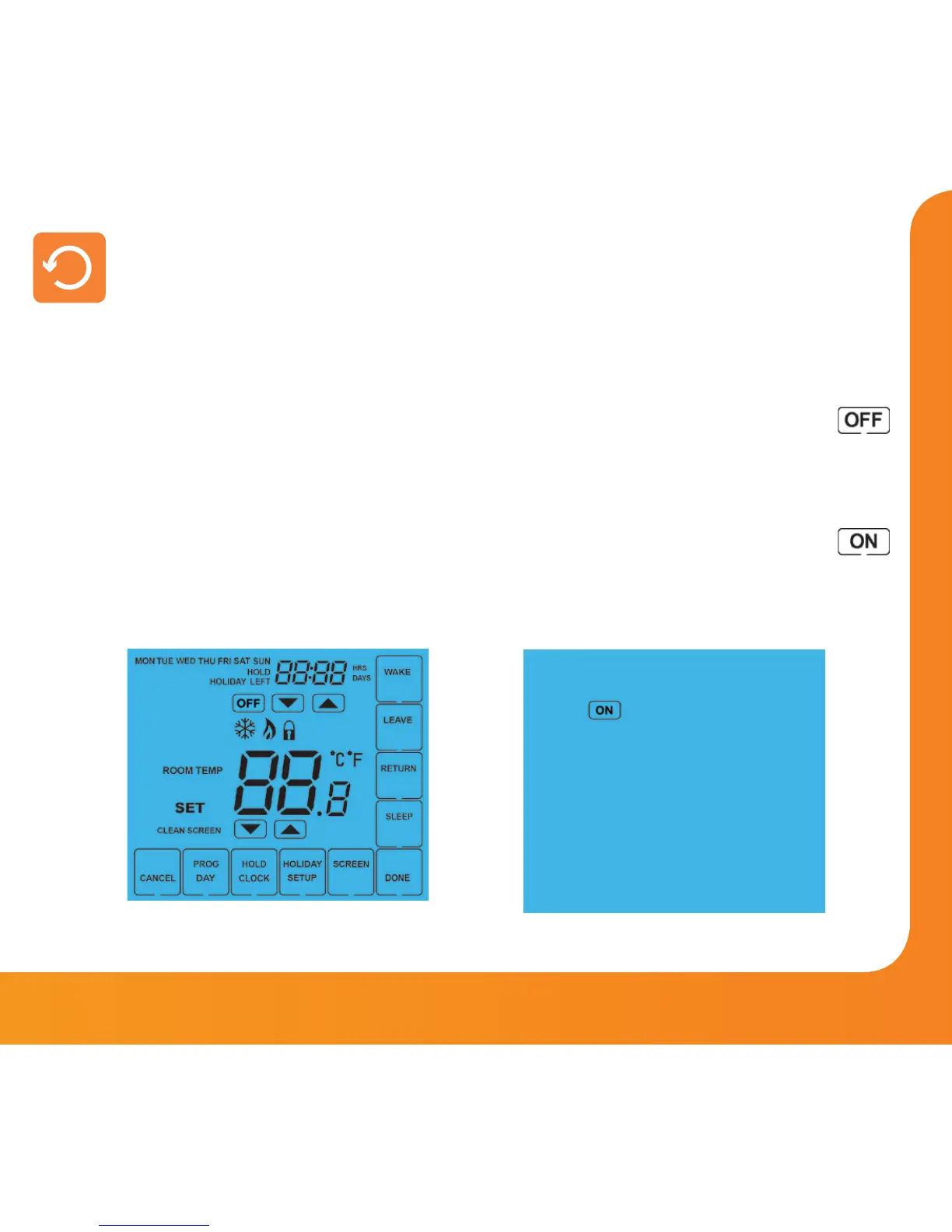
All icons displayed simultaneously. Factory reset is complete.
The thermostat has a reset function to restore all settings to their factory defaults.
To perform a factory reset, follow these steps.
• Press & hold the OFF key to turn the thermostat display OFF ..............................
• Press and hold the bottom left corner of the LCD for 10 seconds.
• All of the screen icons will appear for 2 seconds and then disappear.
• Press the ON key once to turn the thermostat display back ON ...........................
Factory Reset
Model: Touch















 To Next Page