21 Touch Series
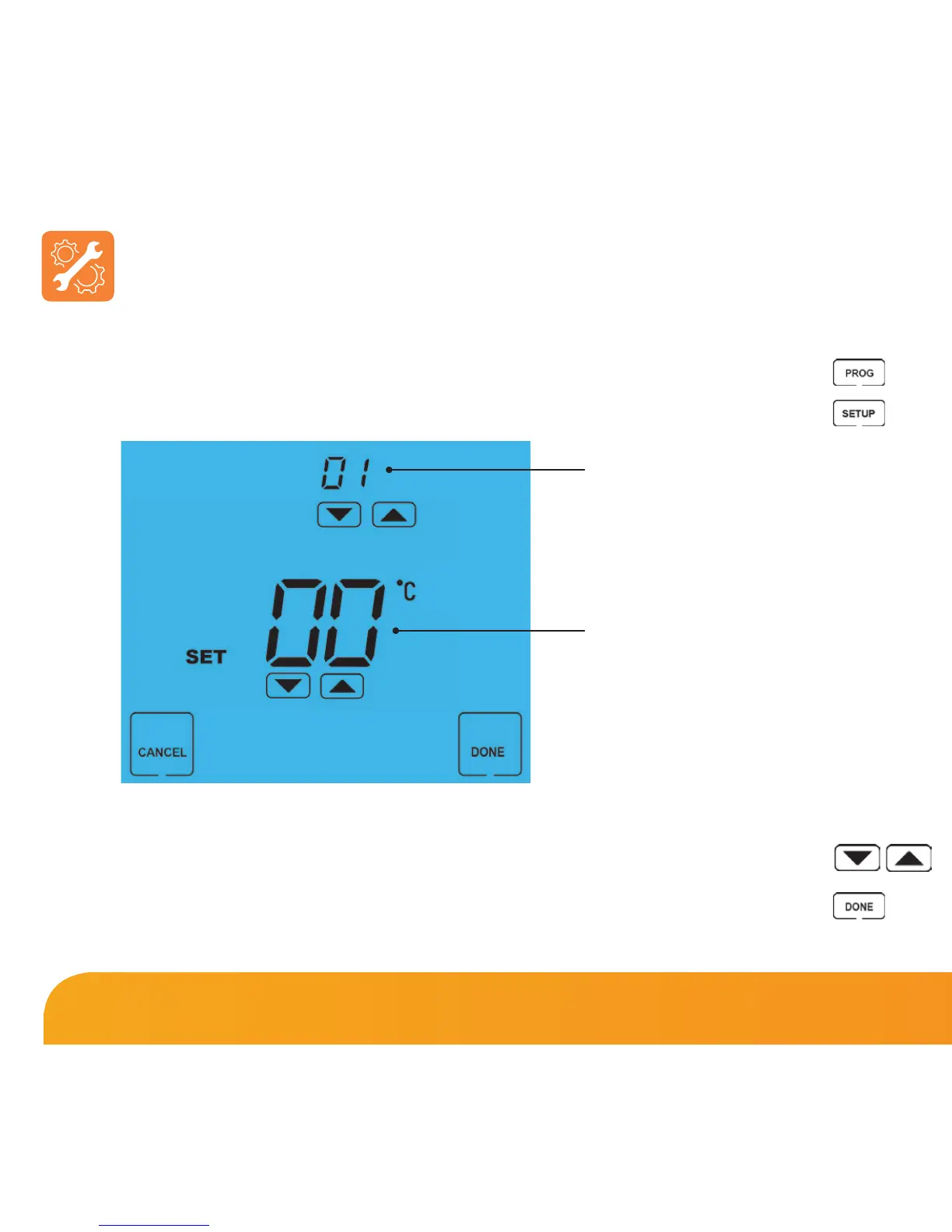
To adjust the optional settings, follow these steps.
• Press PROG ..........................................................................................................................
• Press SETUP .........................................................................................................................
• Use the Up/Down keys at the top of the screen to select the feature
number (shown on page 22) and then use the Up/Down keys in the
center to adjust the setting ...........................................................................................
• Press DONE to confirm settings and exit ...................................................................
Adjusting the Optional Settings
Feature Number
Setting Value















 To Next Page