12
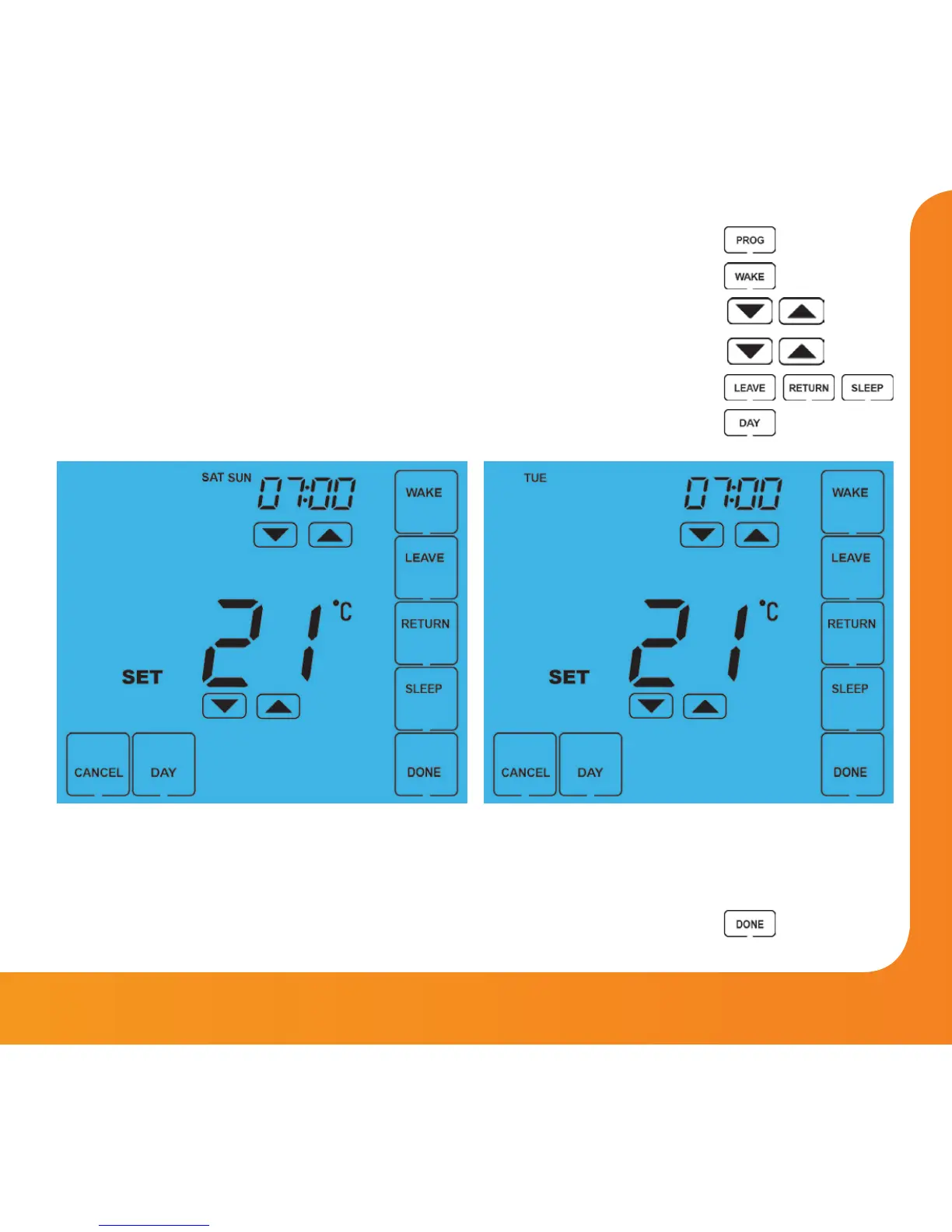
• Press PROG ......................................................................................................
• Select WAKE .....................................................................................................
• Use the Up/Down keys to set the time for WAKE period ...............
• Use the Up/Down keys to set the temperature in °C ........................
• Repeat these steps for the LEAVE, RETURN & SLEEP periods ........
• Press DAY to select the next day to program and repeat ...............
• When complete, press DONE to confirm settings and exit ............
In 5/2 Day mode the thermostat will display
“Sat Sun” prompting you to program the
temperature levels for the weekend.
In 7 Day mode, the thermostat will
display Tue.
Model: Touch















 To Next Page