!!!!!!!!!!!!!!!!!!!!!!!!!!!!!!!!!!!!!!!!!!!!!!!!!!!!!!!!IPCAM User Manual
- 3 -
2 Infrared LED
3 Network Indicator LED If there is network activity, the LED will blink.
4 LENS CMOS sensor.You can turn around the lens manually to adjust the focus
range.
5 Built-in Mic
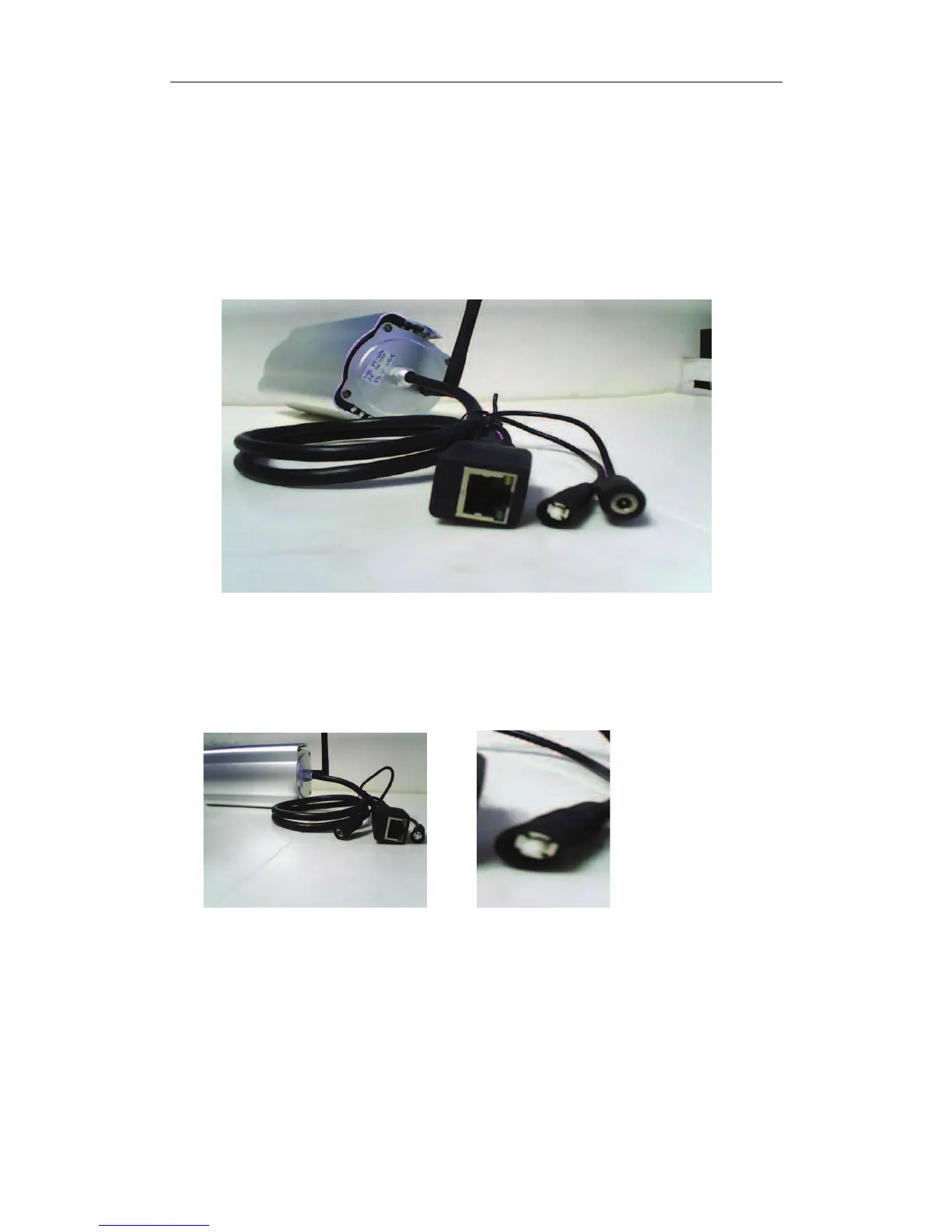
1.3.2 Interface
Figure 1.2
LAN
: RJ-45/10-100 Base T
DC5V : 5V/2A Power supply
Figure 1.3
RESET BUTTON: Press and hold down the RESET BUTTON for 5 seconds.Release the
power button and IP camera will be reset back to the factory default parameter.
1.4 PC System Requirements
System configuration requirements: ( Example for view four IP Camera )
CPU: 2.06GHZ or above Memory: 256M or above


 To Next Page