CAUTION: Make sure to only use the power adapter supplied with IPCAM. Using a
non-approved power adapter may damage the camera.
3) The camera takes approximately 30 seconds to start up before it displays an IP
address on the IP Camera Tool(details:
2.1
).
4) When the camera is powered and network cable plug correctly.It’s head will turn
around and the Network Indicator LED is blank.
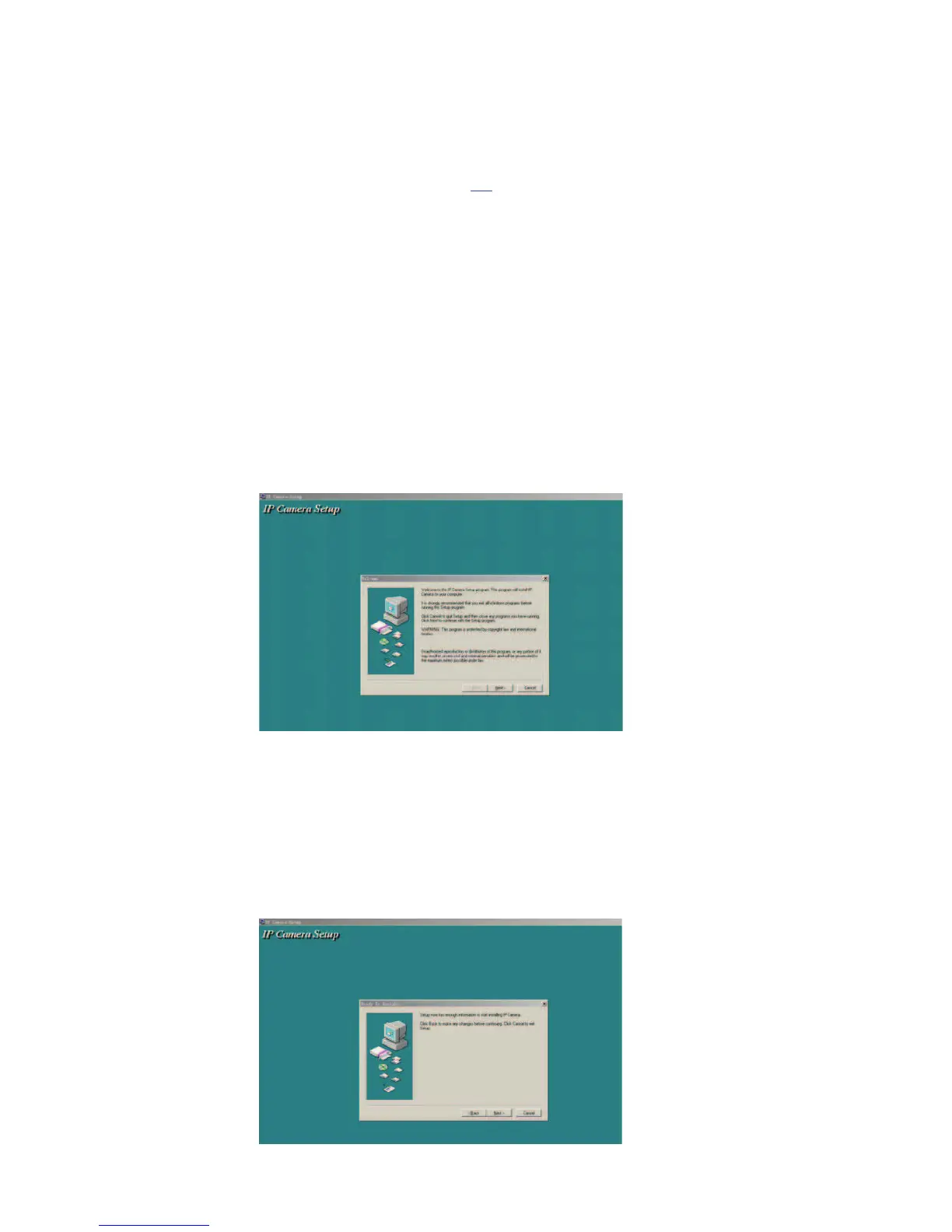
1.6 Software installation
Software installation is the key to the successful use of this product.
1 Open the CD,find the software as instruction;
2 Double click IPCamSetup.exe and install the software as instruction.


 To Next Page