!!!!!!!!!!!!!!!!!!!!!!!!!!!!!!!!!!!!!!!!!!!!!!!!!!!!!!!!IPCAM User Manual
- 5 -
!
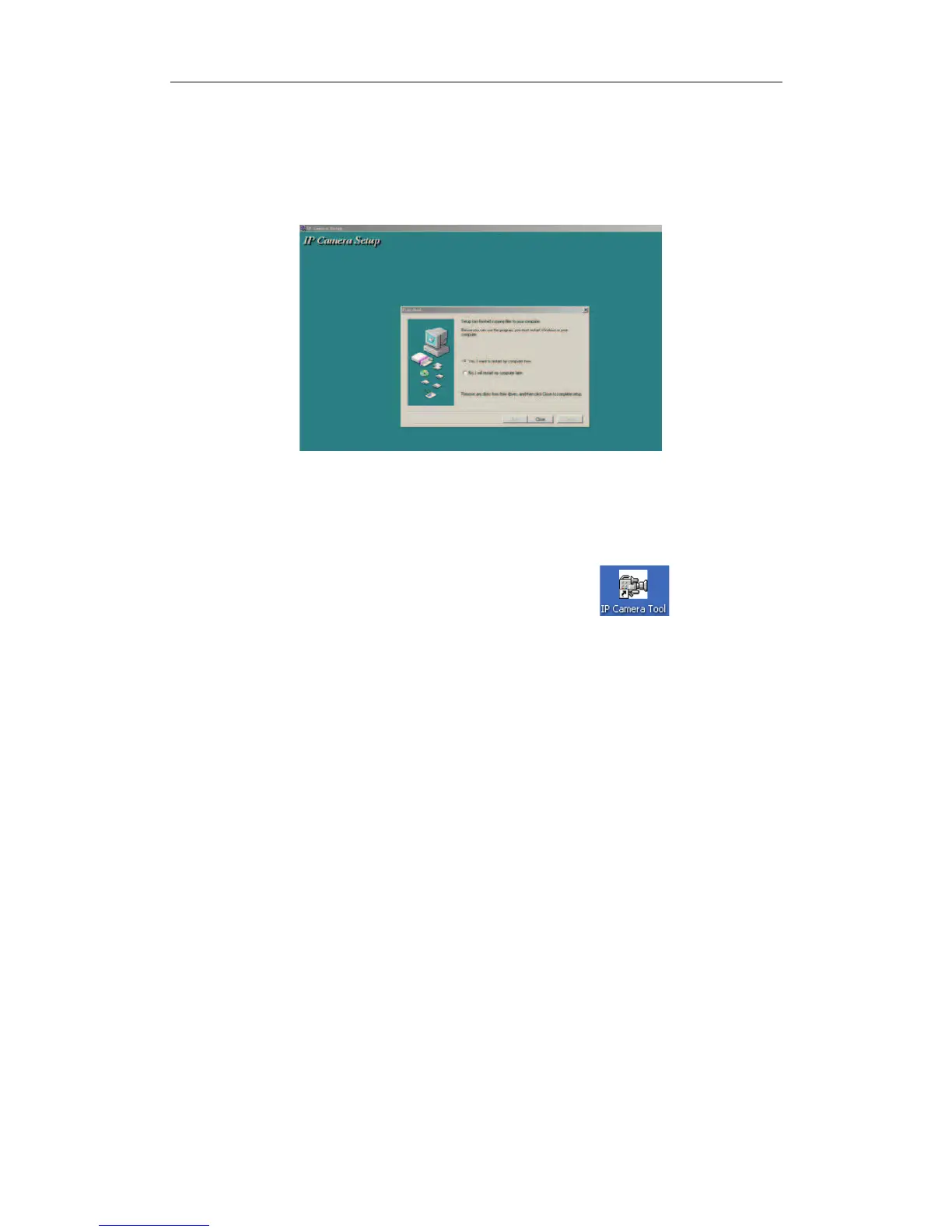
Figure 1.6
The computer restarts upon installation completion and an icon
appears on the
desktop automatically.
NOTE:Before installing and using the product, please read the following precautions
carefully and make sure they are fully understood.
Use only the power adapter attached with the product. Use of unauthorized power
adapter may cause damage to your IP Camera.
IP Camera terminal shall be installed in an indoor environment.


 To Next Page