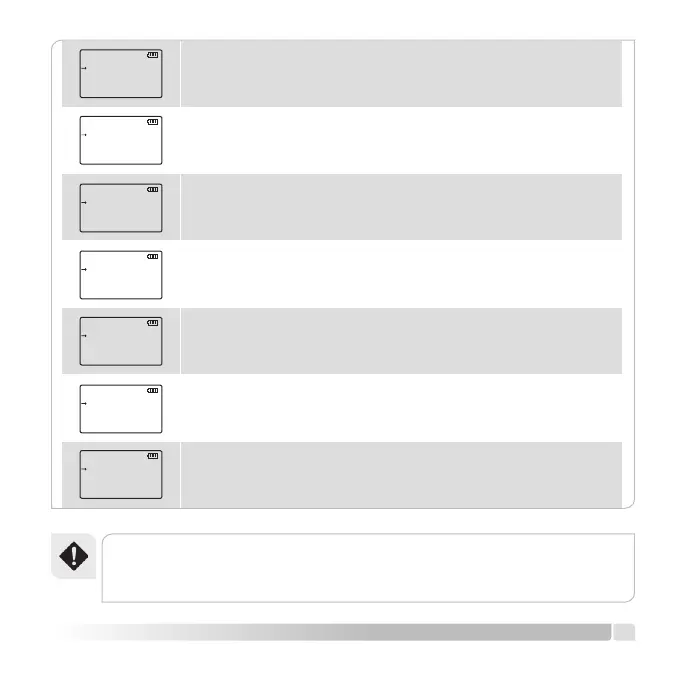
Push [MENU] button, rotate [CALL] button clockwise or counter
clockwise, switch to MENU [03] LIGHT.
Push [MENU] button, rotate [CALL] button clockwise or counter
clockwise, switch to MENU [04] BEEP.
Push [MENU] button, rotate [CALL] button clockwise or counter
clockwise, switch to MENU [05] VOX.
Push [MENU] button, rotate [CALL] button clockwise or counter
clockwise, switch to MENU [06] SAVE.
[Push [MENU] button, rotate [CALL] button clockwise or counter
clockwise, switch to MENU [07] TOT.
[Push [MENU] button, rotate [CALL] button clockwise or counter
clockwise, switch to MENU [08] SCANM.
Push [MENU] button, rotate [CALL] button clockwise or counter
clockwise, switch to MENU [09] BCLO.
BEEP
ON
04
SCANM
TO
08
VOX
O
05
BCLO
OFF
09
SAVE
ON
06
LIGHT
ON
03
TOT
I805
07
Warning!
• Conrmthesettingsafterpushing[UV]buttonandexit.
13
English


 To Next Page