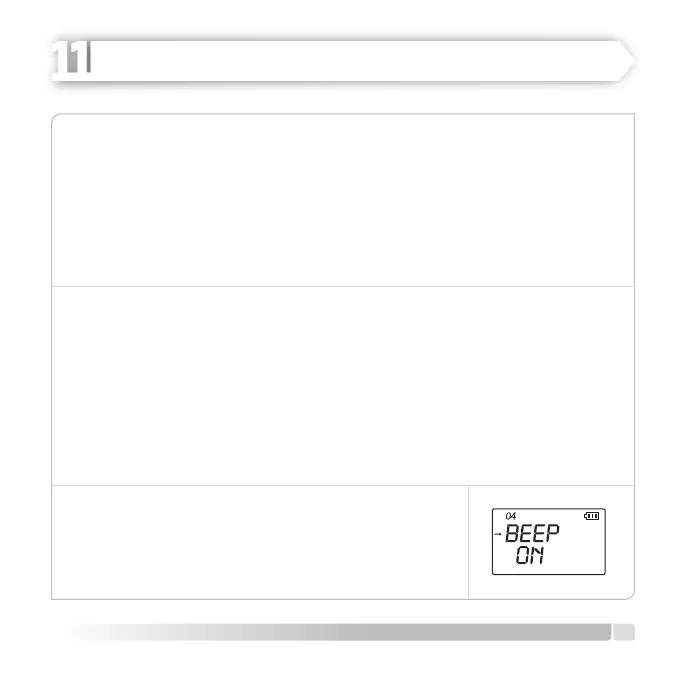
The procedure to adjust lighting mode is as follows:
1. Push [MENU] button, rotate [CALL] button, switch to MENU [04] LIGHT.
2. Push [U/V] button to enter adjustment mode.
3. Make the ON/OFF and Key adjustments by rotating [CALL] button clockwise or counter
clockwise.
4. Push [U/V] button to save the settings.
5. Push [MENU] or [PTT] buttons to EXIT to normal operation mode.
BEEP (Keypad Sound ON/OFF)
If the Keypad Sound is disturbing you (particularly when operating the radio in a silent
room), you can deactivate Keypad Sounds in accordance with the instructions given below:
1. Push [MENU] button, rotate [CALL] button, switch to MENU [05] BEEP.
2. Then, push [U/V] button to enter adjustment mode.
3. Adjust one ON/OFF settings by rotating [CALL] button clockwise or counter clockwise.
4. Push [U/V] button to save the settings.
5. Push [MENU] or [PTT] buttons to EXIT to normal operation
mode.
ON-Key sounds are activated, the icon is shown on the LCD.
OFF-Key sounds are deactivated.
17
English
ADVANCED OPERATION
HEIDER PRO5 PMR 446


 To Next Page