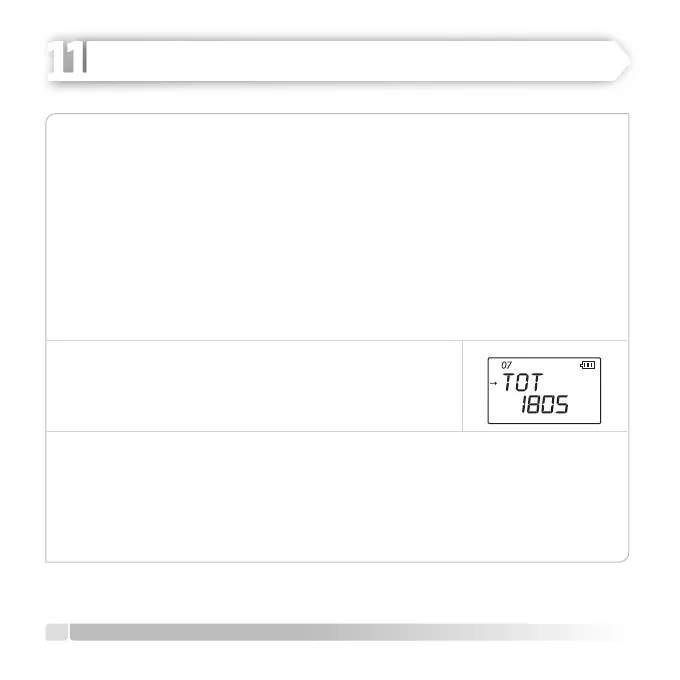
TOT (Time-Out Timer)
TOT feature allows adjusting the duration of communication to a previously
programmed value with a safety button and saving the battery by limiting the
duration of communication. Default setting is 180 seconds and you can adjust the
timer in line with the instructions given below:
1. Push [MENU] button, rotate [CALL] button, switch to MENU [15] TOT.
2. Enter adjustment mode after pushing [U/V] button.
3. Adjust TOT: OFF/30S/60S/90S/120S/150S/180S setting by rotating [CALL] button
clockwise or countercloskwise.
4. Push [U/V] button to save the setting.
5.
Push [MENU] or [PTT] buttons to EXIT to normal operation
mode.
SCANM (Scan Mode)
Heider PRO5 allows you to scan memory channels, operation bands or a section of
these bands. The radio automatically pauses on the encountered signals and allows
communicatioın with the requested station. Follow the instructions given below to
activate scan mode:
20
English
ADVANCED OPERATION
HEIDER PRO5 PMR 446



 To Next Page