SWITCHING ON / OFF
1. Make sure that the battery is inserted and full.
Insert the antenna to the ANTENNA socket in the upper top panel.
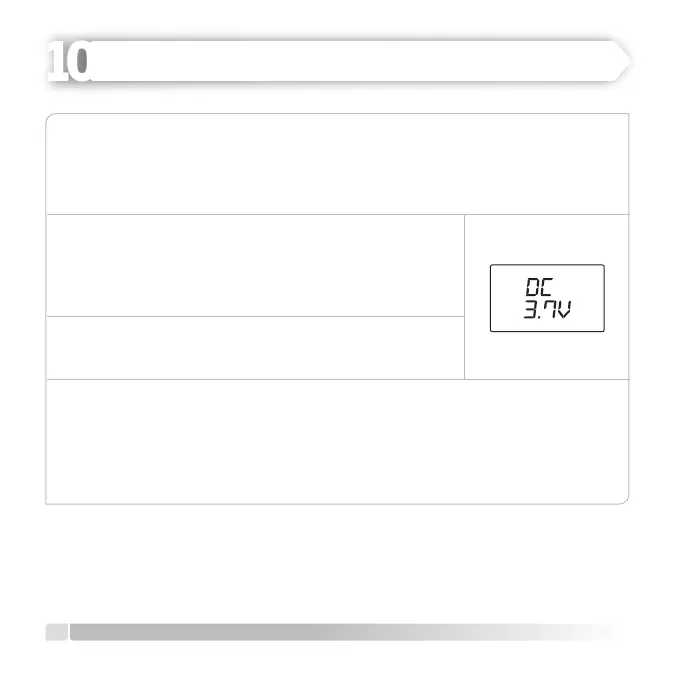
2. Push [ON/OFF] button and DC voltage will be displayed
on LCD for 2 seconds and beeping voice will be heard.
Later on, normal indicator of the operational function
will appear on the screen.
3. Hold down [ON/OFF] button for one second again to
switch the radio o.
ADJUSTING VOICE LEVEL
Push [CALL] button to unlock mechanical call lock.
Push [CALL] button after pushing [VOL] button to adjust the voice level you want.
The voice level will increase when you rotate VOL button clockwise.
14
English
OPERATING
HEIDER PRO5 PMR 446


 To Next Page