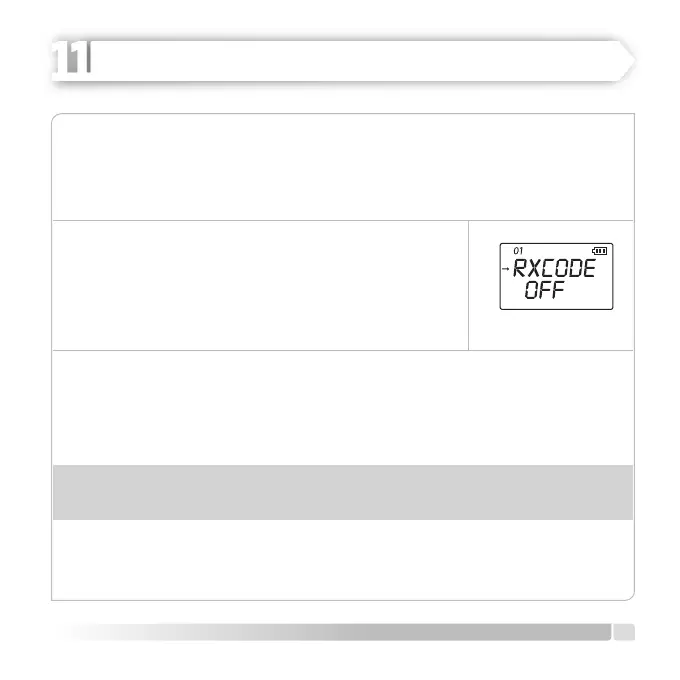
RXCODE
In certain situations, you can want to hear the calls only from certain persons or groups.
In such situations you can ignore unwanted incoming calls from other persons using
the same frequency by using selective call.
Adjust the incoming signal in accordance with the
instructions given below:
1. Push [MENU] button, switch on [CALL] button and
switch to MENU [01] RXCODE.
2. Later on push [U/V] button and enter the setting mode.
3. Make your choice on OFF / 67.0-754N by rotating [CALL] button clockwise or
counter clockwise, push [MENU] button again and select the code (positive or
negative).
For example 023N---023I (OFF -67.0-023N-023I).
Warning:
[CTCSS: 67 Hz---254.1Hz] (50 groups); - [DCS: 023N---754N] (104 group);
4. Push [U/V] button to save the settings and EXIT. Push [MENU] or [PTT] buttons to
EXIT to normal operation mode.
15
English
ADVANCED OPERATION
HEIDER PRO5 PMR 446

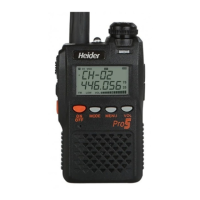

 To Next Page