EasyManua.ls Logo

HellermannTyton TT 4000+ SERIES - User Manual

HellermannTyton TT 4000+ SERIES
27 pages
Print Icon
To Next Page IconTo Next Page
Loading...
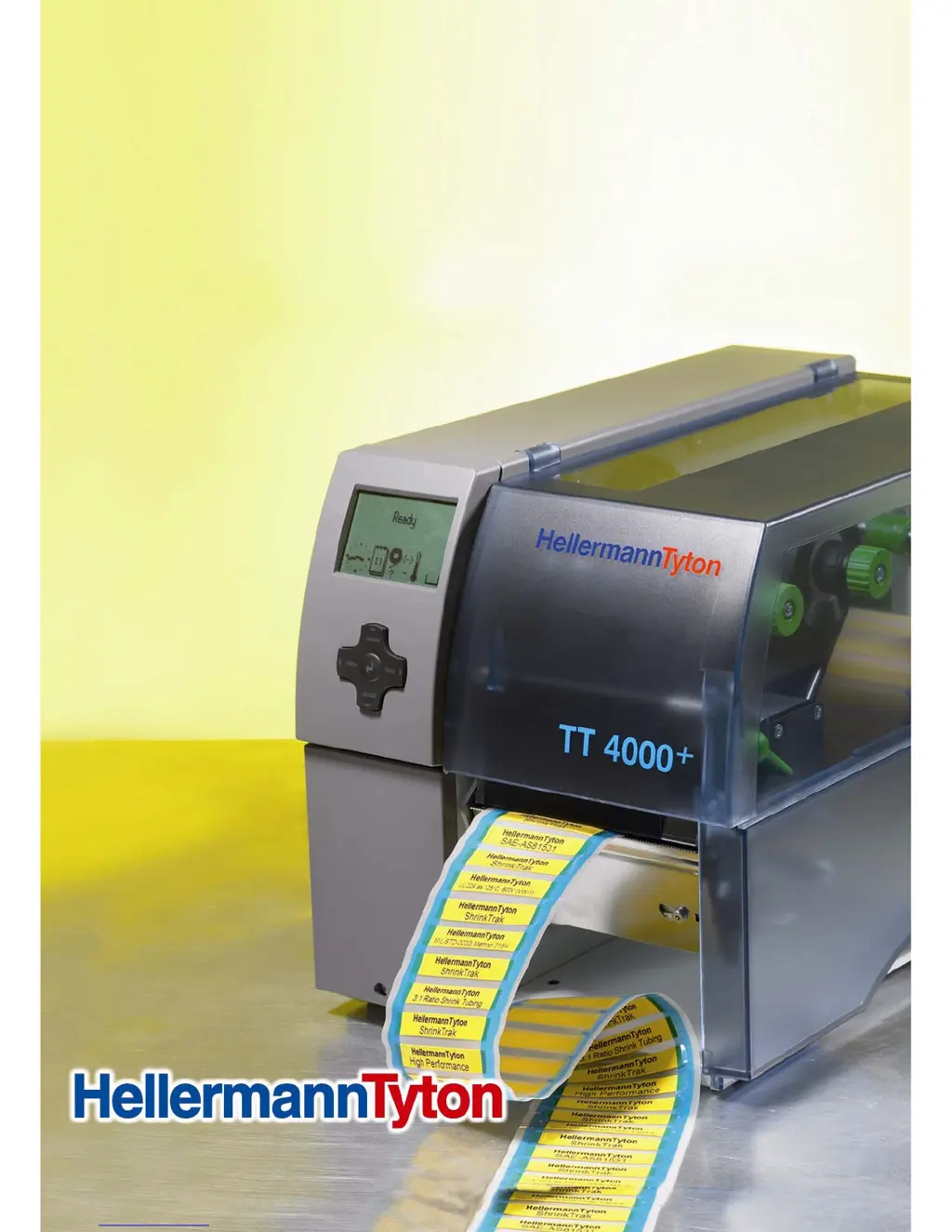
TT4000+
Thermal Transfer Printer
TT4000+ Series
User Manual
Stand: 08/09

Questions and Answers

Summary

Information on the Technical Documentation

Structure and Navigation

Explains how the manual is organized and how to navigate through its sections and symbols.

Warning symbols and other identification objects

Details the meaning of various symbols used in the documentation for safety and guidance.

Intended Use

Defines the proper purpose and limitations for operating the thermal transfer printer.

Safety and Environment

Safety instructions

Provides essential safety precautions to prevent injury and damage during printer operation.

Environment

Outlines guidelines for the responsible disposal and recycling of the printer and its components.

Installation

Unpacking the Printer

Step-by-step instructions for safely removing the printer from its packaging and checking contents.

Setting-up the Printer

Guides users through the initial physical setup and connection of the printer.

Control panel

Structure of the Control Panel

Details the components and layout of the printer's control panel for user interaction.

Functions of the operating panel during printing

Explains how to use the control panel to manage print jobs and monitor printer status.

Loading media

Loading continuous labels or tubing from a roll

Instructions for loading continuous label rolls or tubing into the printer.

Loading Fanfold Labels

Procedures for loading fanfold label stacks into the printer.

Loading transfer ribbon

Steps for correctly installing the transfer ribbon for thermal transfer printing.

Setting the Feed Path of the Transfer Ribbon

Guidance on adjusting the transfer ribbon path to prevent wrinkling and ensure print quality.

Setting the Head Locking System

Instructions for adjusting the print head locking system for optimal print density.

Removing and installing the rewind guide plate, dispense plate or tear-off plate

Describes how to swap accessory plates for different printing modes.

Printing

Synchronization

Explains the process of synchronizing the printer with loaded media for accurate printing.

Tear-Off mode

Details the Tear-Off mode for printing and manual separation of labels.

Peel-Off mode (Option)

Describes the optional Peel-Off mode where labels are automatically peeled.

Internal rewinding (Option)

Explains the optional internal rewinding feature for carrier media.

Cleaning and basic maintenance

Cleaning information

General advice and warnings regarding cleaning the printer and its components.

Cleaning the Print Roller

Instructions for cleaning the print roller to maintain media transport and print quality.

Cleaning the print head

Detailed steps for cleaning the print head to ensure optimal print quality and prevent damage.

Fault Correction

Types of Errors

Categorizes different error states indicated by the printer's diagnostic system.

Troubleshooting

Provides a guide to diagnose and resolve common printer problems and their causes.

Error Messages and Fault Corrections

Lists specific error messages, their causes, and recommended solutions for correction.

HellermannTyton TT 4000+ SERIES Specifications

General IconGeneral
Print TechnologyThermal Transfer
Resolution300 dpi
CutterOptional
Print SpeedUp to 125 mm/s
ConnectivityUSB, Ethernet
Supported Ribbon TypesWax, Resin
Weight10 kg

Related product manuals