Users Manual for T4000+ Series 14
Key function of the
Keys: Pause, cancel, menu, feed:
Arrows: Cursor shift to up, down, left or right within the printer menu
Key : Parameter setting within the printer menu, receive concise information about current
error.
4.2. Functions of the operating panel during printing
4.2.1. Symbol indicators
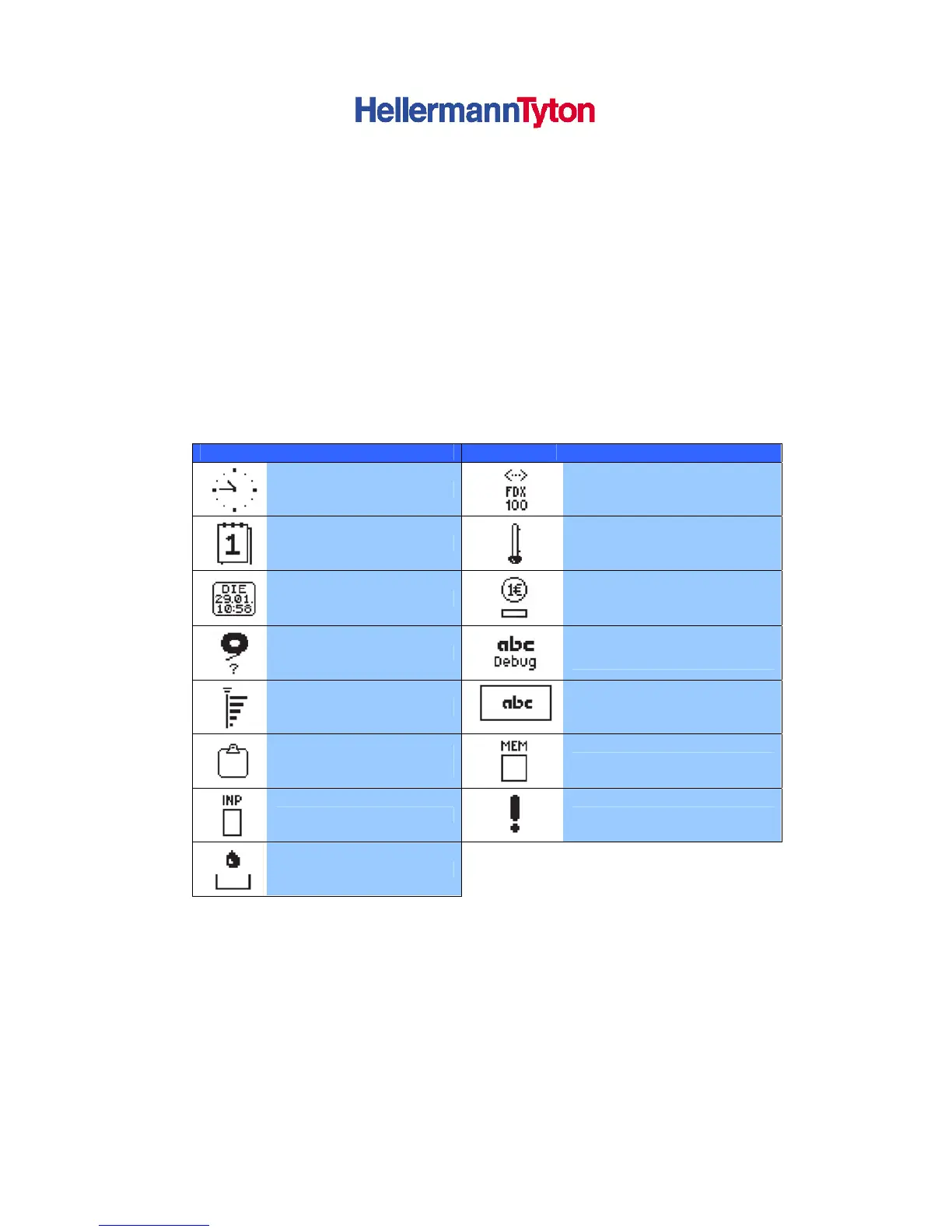
The symbol indicators shown in the following table can appear on the status line of the screen,
depending on the configuration of the printer. They inform you of the current status of the printer
at a glance. For configuration of the status line, see the “Configuration Instructions“.
Symbol Meaning Symbol Meaning
Time
Ethernet Status
Date
Print head temperature
Digtial clock
PPP-credit
Ribbon Supply
Debug window for ABC-
programmes
Wi-Fi signal strength
Control of the lower display
line is handed over to an abc
program
User memory in the clock
circuit
Used memory
Input buffer
Access to memory card
Printer is receiving data
Table 1 Indicator symbols during printing



 To Next Page