Users Manual for T4000+ Series 9
3. Installation
3.1. Unpacking the Printer
Æ Lift the printer out of the box using the hand grips.
Æ Check the printer for damage which may have occurred during the transport.
Æ Please check the carton for completeness
Scope of delivery
• Thermal transfer Printer
• Empty ribbon reel mounted on the ribbon take-up hub
• Tear-off plate
• Power Cable
• Drivers on CD-ROM
• USB-cable
NOTICE!
Please keep the original packaging in case the printer must be returned.
3.2. Setting-up the Printer
DANGER!
The device and printing materials will be damaged by moisture and wetness.
► Set up label printers only in dry locations protected from splash water.
► Set up printer on a level surface
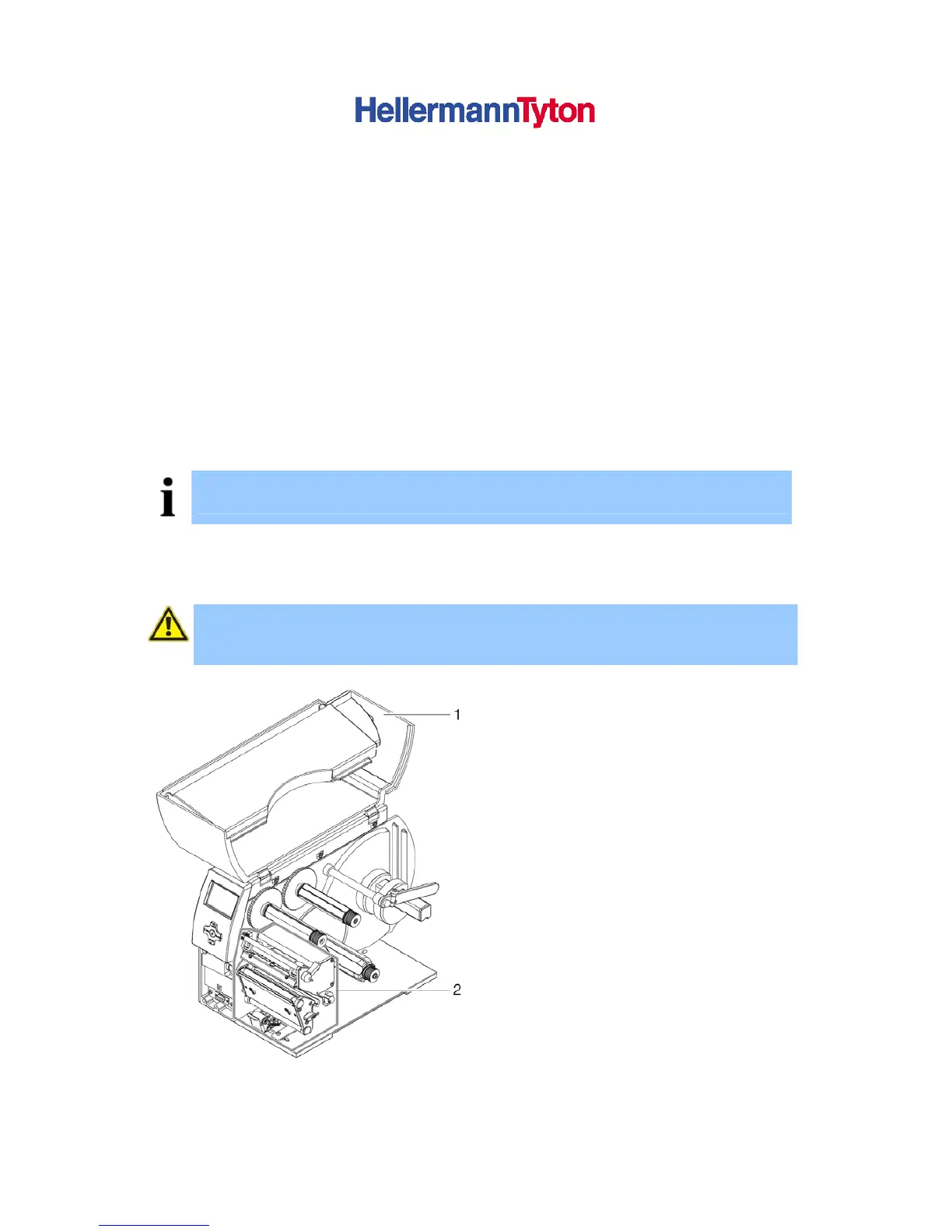
► Open the cover (1) of the printer
► Remove foam transportation safeguards
near the print head (2)
Figure 1 Remove transportation safeguards



 To Next Page