Password protection and basic
24
Factor
The factor required for the measurement of various products can be
entered here. The input range is between 0.01 and 99.99
In >BASIC PROGRAM, select
=> PROGRAM VALUES=> FACTOR
Enter the desired factor.
Press "ENTER" to confirm the selection
An incorrectly adjusted factor leads to a wrong reading!
Checking the factor
The customer is to check this factor during ongoing operation after
commissioning.
Proceed as follows:
Perform 3 – 5 analyses with the Testomat device.
Record the measurement results and calculate the average value.
Draw samples of the process water from the supply line to the
Testomat device.
Have the extracted samples analysed by a laboratory.
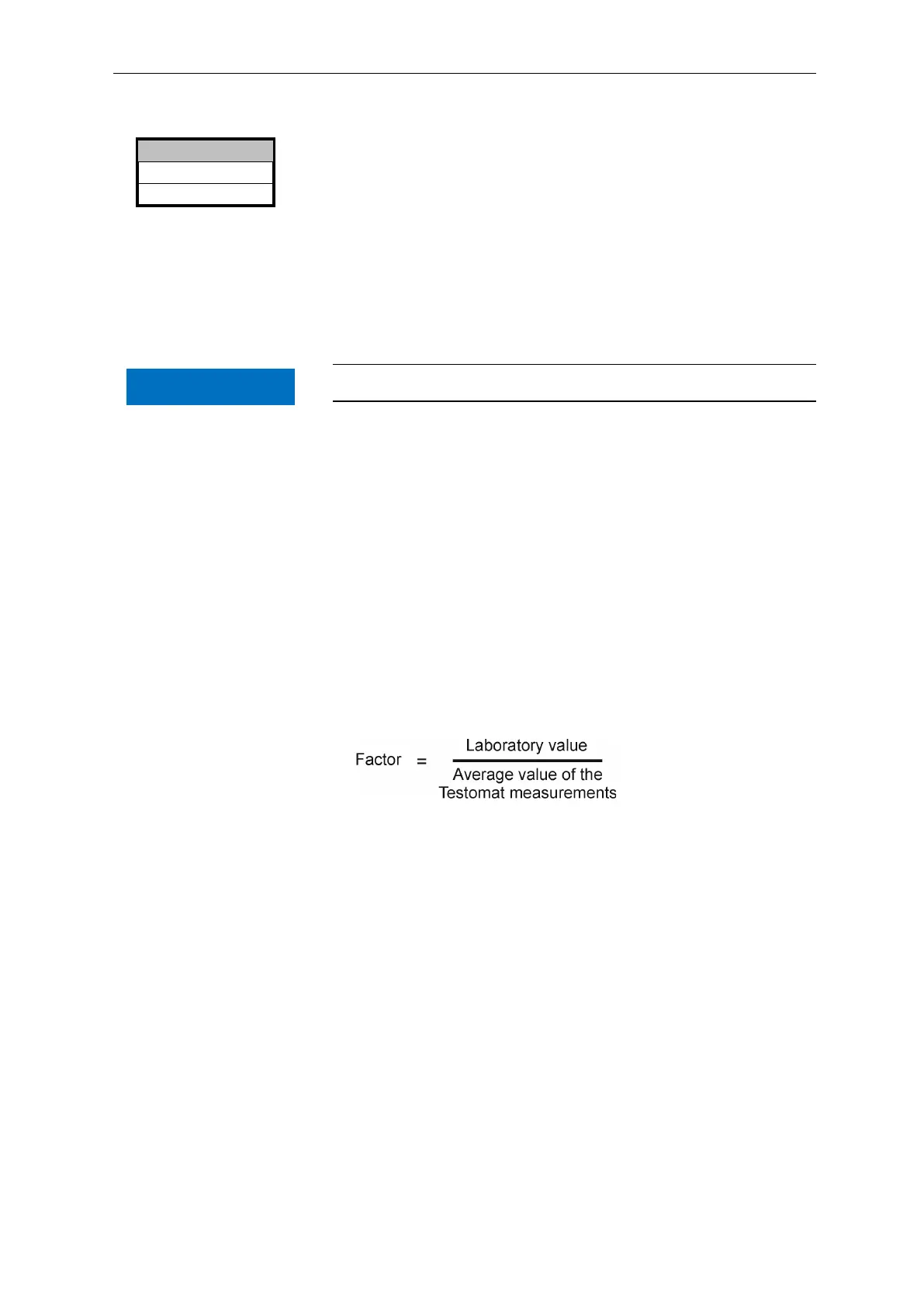
If the results deviate, recalculate the factor as follows:
Enter the new factor as described above.
01,00
>FACTOR ▼▲
ME
NOTE


 To Next Page