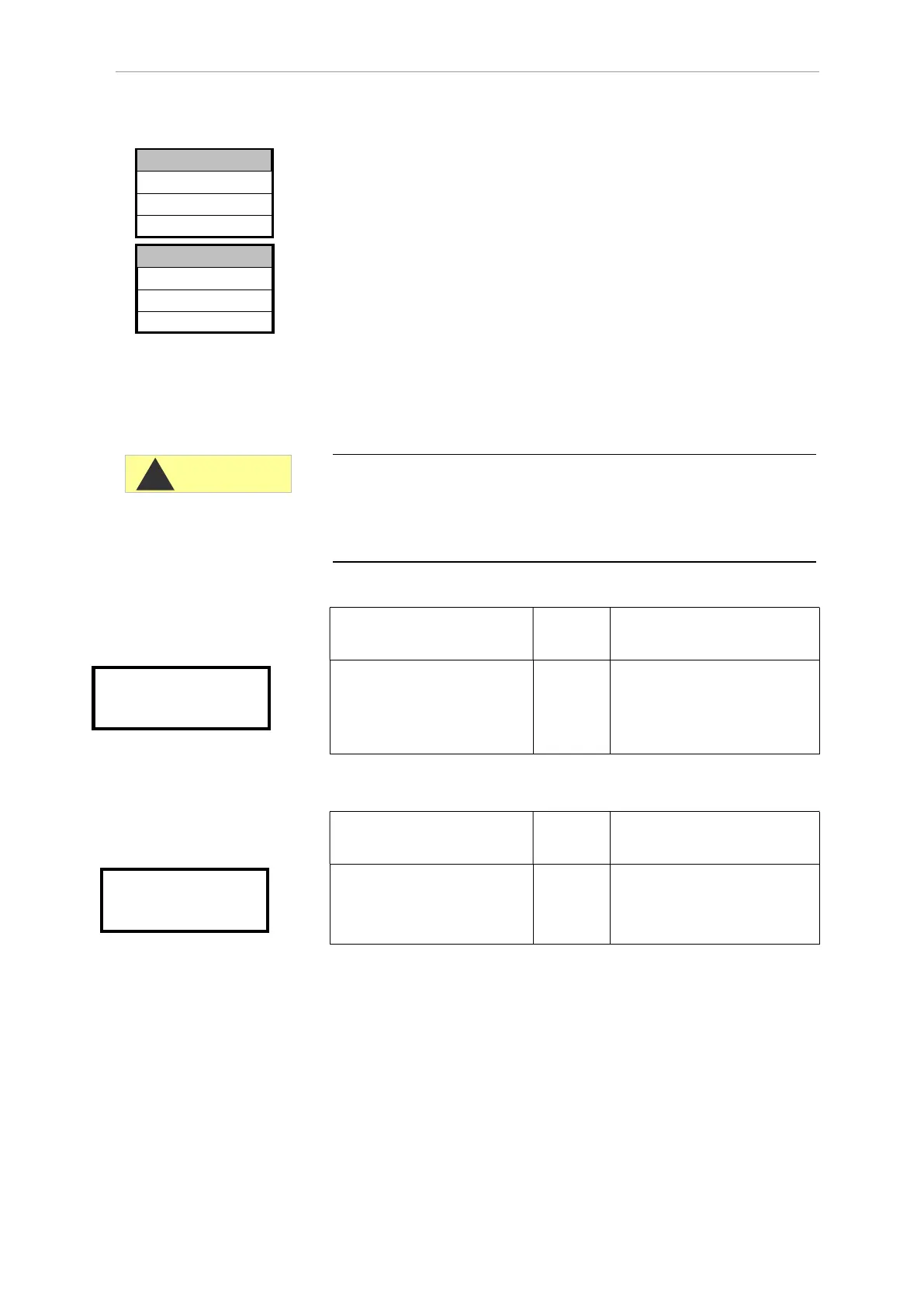
Description of the signal inputs/outputs
31
Maintenance interval
Observance of the maintenance intervals is monitored and displayed
by Testomat 2000
®
Polymer. Program the desired maintenance
interval in days here. (0 days equals no maintenance interval)
In >BASIC PROGRAM, select
=> SERVICE II=> MAINTENANCE INTERVAL
Enter the maintenance interval in days (d)
Press "ENTER" to confirm the entry
Description of the signal
inputs/outputs
Connecting the signal inputs
Only connect the signal inputs "Start", "Stop", "IN1" and "IN2" with
volt-free contacts!
The connection of external voltages would damage the instrument!
Function Test
period
Action
Start
External analysis start
(only normally open)
None In EXTERNAL operating
mode, a contact at the input
starts an analysis if an
analysis is not yet running.
Function Test
period
Action
Stop
External analysis stop (e.g.
via flow controller or
process controller)
None There are no analyses while
the contact at the input is
open or closed
An active Stop input prevents an analysis start, e.g. via a current
interval. This can be necessary if the plant does not supply water. A
current analysis is stopped when the input valve is opened (while the
measuring chamber is being flushed or filled). The water which has
already entered the measuring chamber remains there. If the
measuring chamber is already full, the analysis is executed. Manual
start has priority over the Stop input, i.e. if the Stop input is active, an
analysis can be started manually or a manually started analysis
cannot be stopped by the stop signal. In the operating mode “time-
controlled”, the interval time continues when the Stop input has been
activated.
Start
terminals 20,21
Stop
terminals 22,23
000d
>MAINTENANCE INTERVAL▼▲
ME
CAUTION
MAINTENANCE INTERVAL
Reset operating time
>SERVICE II ▼▲
ME


 To Next Page