Entering further basic program
28
Switch function 3, two-point
If the upper limit value LV1 has been exceeded, the output relay LV1
switches. If the value falls below the lower limit value LV2, the output
relay LV1 drops out again. The output relay LV2 switches according
to the programmed switch function.
The function 3 is only possible if different values are used for the limit
values LV1 and LV2 with just one measuring point. For example, for
LV1 = 2 mg/l and for LV2 = 1 mg/l.
Switch function 4, Duration/inverse
If the measured value falls below the limit value LV1 or LV2, the
output relay LV1 or LV2 reacts. If the limit value LV1 or LV2 has been
exceeded, the relevant relay drops out again.
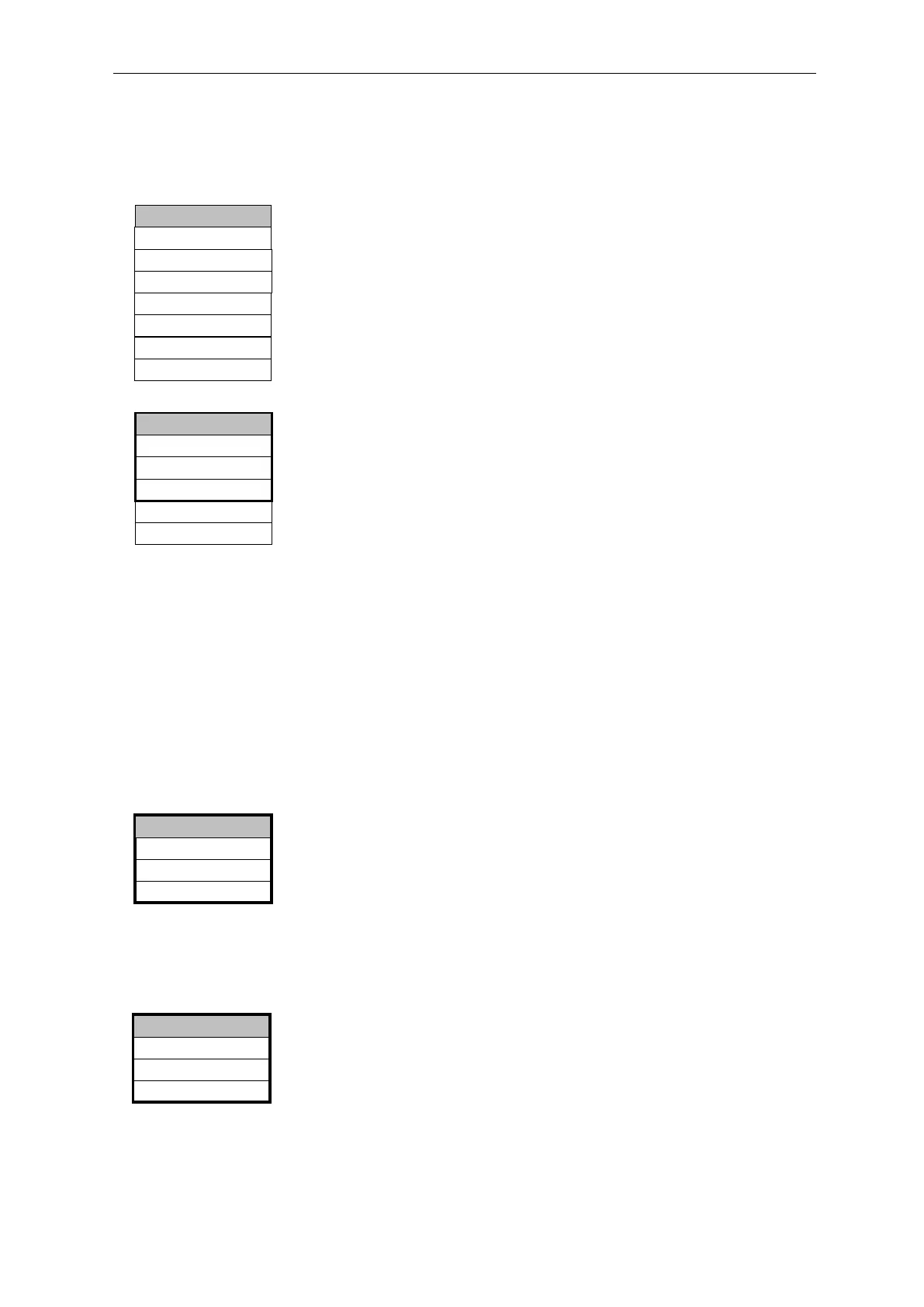
In >BASIC PROGRAM, select
=> PROGRAM VALUES=> FUNCTION LV1 or FUNCTION LV2
Select the duration, impulse, …… or two-point (only for LV1)
Enter the time (only for switch function 1 and 2)
Press "ENTER" to confirm the entry
Switch function 5, range LV1-LV2
Monitoring the range between limit values LV1 and LV2. If limit value
LV1 is exceeded, relay LV1 switches and LED “LV1” illuminates red.
If limit value LV2 is not achieved, relay LV2 switches and LED “LV2”
lights up red. If the measured value is within the range, both relays
are deactivated and both LEDs illuminate green.
If this function has been selected, no other function can be selected
for limit value LV2 in the menu item FUNCTION LV2.
Measuring points
The Testomat 2000
®
Polymer can be used for monitoring 2
measuring points. Measuring point switch-over can occur either
automatically or by triggering a contact (or normally closed) at input
IN1. If the external measuring point switch-over has been
programmed ("2 measuring points externally "), a respective controller (e.g.
timer) has to be connected to IN1 (volt-free contact required!). The
active status of IN1 has to be programmed accordingly.
Function IN1
An external measuring point switch-over takes place via this input if
you have programmed "2 measuring points externally". The active status of
IN1 has to be programmed according to the output function of the
controller (volt-free contact required!).
In >BASIC PROGRAM, select
=> PROGRAM VALUES => MEASURING POINTS => 2 MEAS.
POINTS EXT.
Press "ENTER" to confirm the entry
Normally closed contact
NORMALLY OPEN CONTACT *
>FUNCTION IN1 ▼▲
ME
2 MEAS. POINTS EXT. *
2 Meas. Points int.
1 Measuring Point
>MEASURING POINTS ▼▲
ME
Duration/inverse
Impulse
Interval
Two point
DURATION *
>FUNCTION LV1 ▼▲
ME
Time: 00m:10s
Range LV1-LV2
Duration/inverse
Impulse
Interval
DURATION *
>FUNCTION LV2 ▼▲
ME
Time: 00m:10s


 To Next Page