Entering further basic program
26
Interval pause
If the analysis is triggered via a timer, the interval between two
analyses (plus flushing time) is determined by the interval pause. The
shortest interval can be 0 minutes. In this case, analyses are carried
out continuously. The longest interval is 255 minutes.
In >BASIC PROGRAM, select
=> PROGRAM VALUES=> FLUSH TIMES/INTERVAL
Enter the "INTERVAL PAUSE" in minutes (m)
Press "ENTER" to confirm the entry
Limit value monitoring
It is possible to program the limit values on a continuous scale. The
limit value range depends on the used indicator type and the
programmed unit. Two limit value outputs are available for
monitoring. This ensures that two limit values or two measuring
points can be monitored. The functions of the allocated relay outputs
can be programmed independently of each other.
If the unit is used for monitoring two limit values, the limit value
outputs are permanently allocated to these limit values!
1 LV1 = Limit value 1 2 LV2 = Limit value 2
If the unit is used for monitoring two measuring points, the limit value
outputs are permanently allocated to these measuring points!
1 LV1 = Measuring point 1 2 LV2 = Measuring point 2
If the limit value LV1 has been exceeded, the limit value control
display 1 lights up RED and the relay output LV1 reacts as
programmed in the switch function. If the limit value has not been
exceeded, the display lights up GREEN. The same applies for the
limit value LV2. The behaviour of switch function 4 is inverse. With
switch function 5 both displays illuminate green if the measured value
is within the range.
In >BASIC PROGRAM, select
=> PROGRAM VALUES=> LIMIT VALUES
Enter the values for "LIMIT VALUE 1" or "LIMIT VALUE 2"
Press "ENTER" to confirm the entry
Monitoring of two
limit values
Monitoring of two
measuirng points
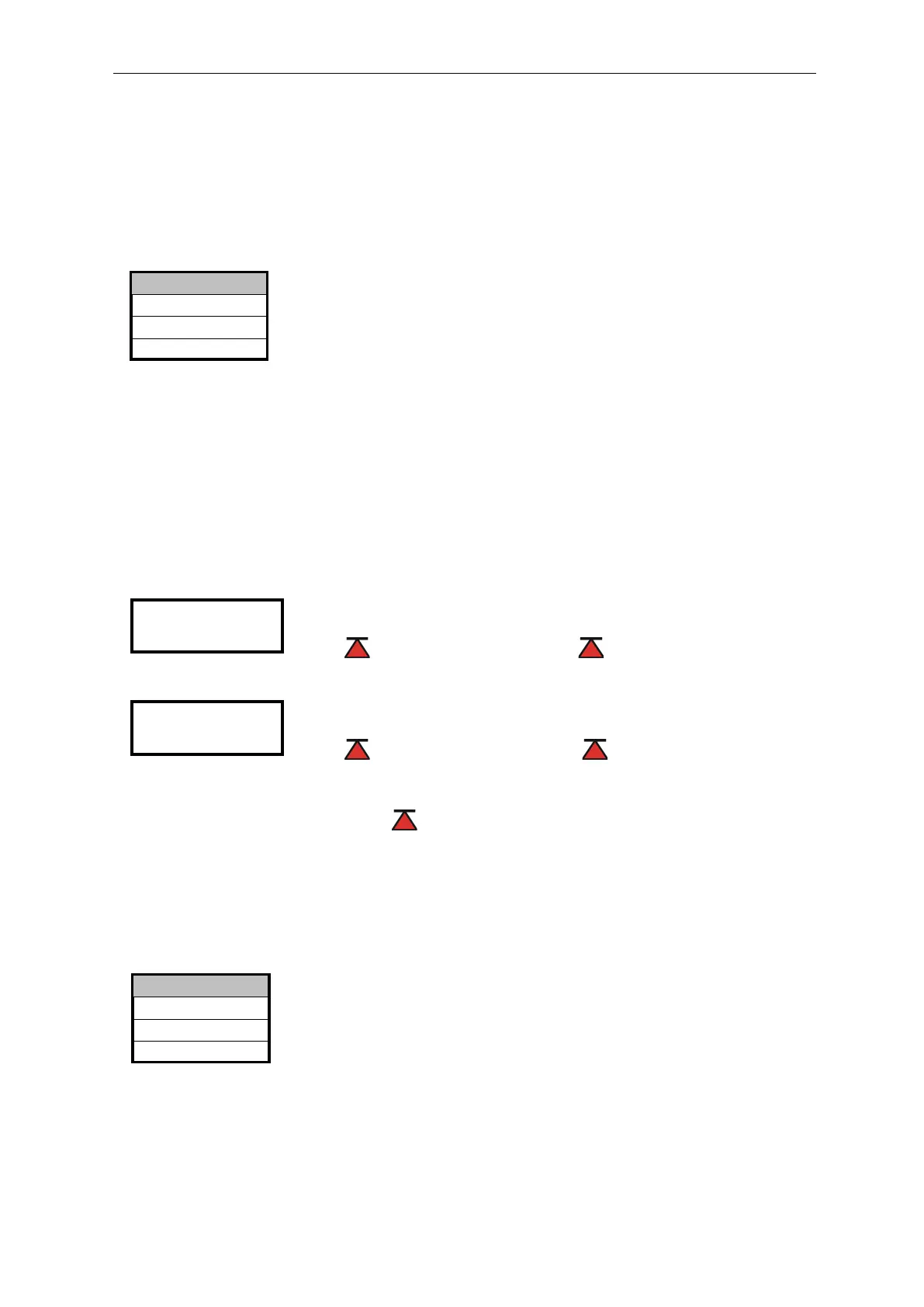
LIMIT VAL. 2: 10 mg/l
LIMIT VAL. 1: 25 mg/l 00s 000l
Interval pause 01m
External flush time 00s
INTERNAL FLUSH TIME 000s
>FLUSH TIMES/INTERVAL ▼▲
ME


 To Next Page