17 - 48
3 ADVANCED CONTROL
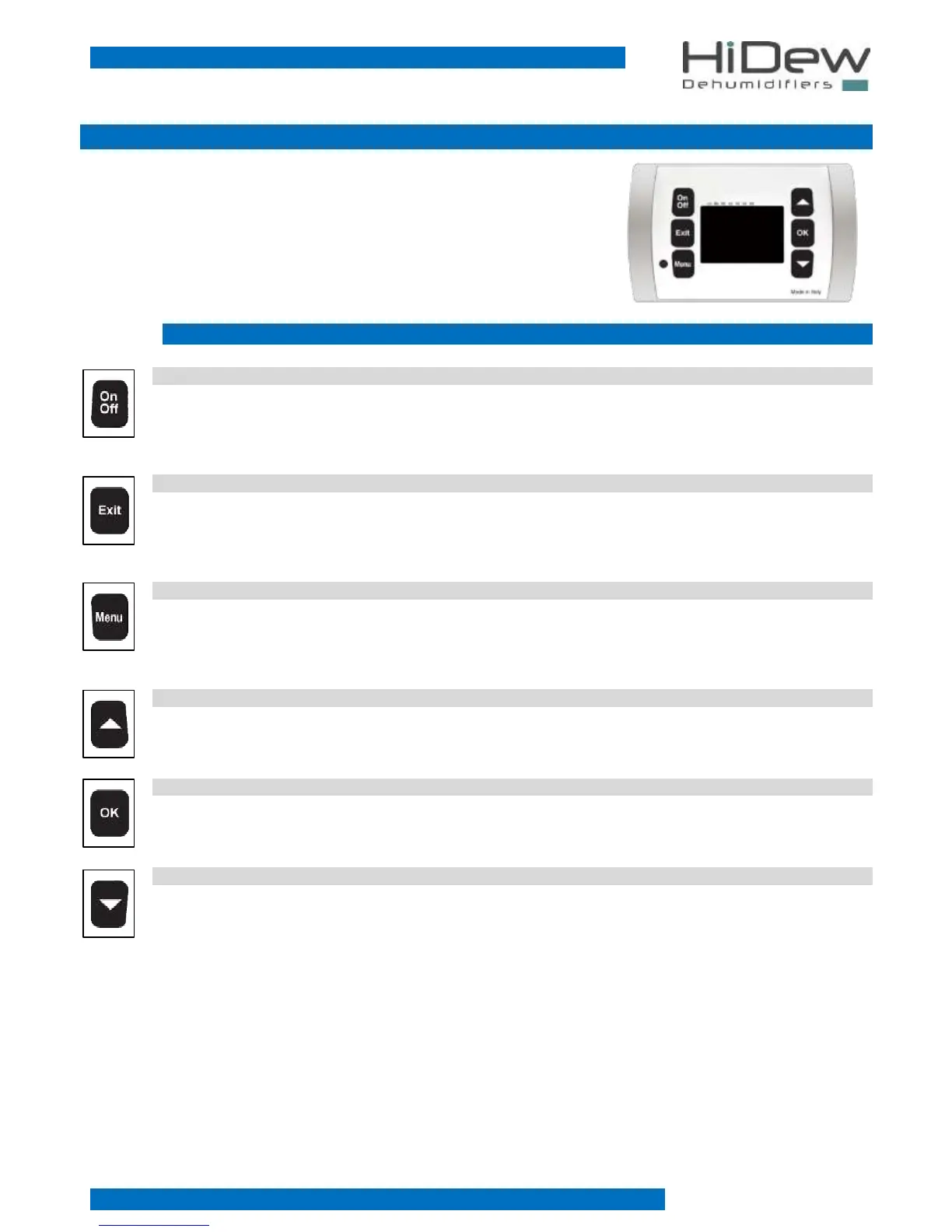
The Advanced Control is composed by a power board and an elegant display which
allows to command the unit and to modify all the different functions.
Here below there are the functions of the different keys and all the screens:
3.1 KEYS
ON-OFF KEY
- on the main screen it allows the turning off of the unit
- on the ‘OFF’ screen, it allows the turning on of the unit
EXIT KEY
- it allows the exit and the coming back to the main screen
- if you are modifying a value, it allows to exit from the modification
- on the main screen, pressing it for 4 seconds, it allows the display of the software version
MENU KEY
- on the main screen it allows to enter the first screen of the ‘user menu’
- on the time-bands programming screens, it allows to modify the day you are programming
UP KEY
- it allows the running through the screens or to modify a value
OK KEY
- it allows the execution of what is indicated on the display
DOWN KEY
- it allows the running through the screens or to modify a value



 To Next Page