23 - 48
3.6.2 GUIDE
Selecting this guide, you have access to 5 screens which explain how to realize the time bands.
KEYS USE:
- Pressing UP and DOWN you move from a screen to another
- Pressing EXIT you come back to the main screen
3.6.3 DEFAULT RECOVERY
The first time you program the time bands, it may occur that you make something wrong or that you program the time bands but,
after a while, you realize that the program is not the most suitable: in both these cases you have the possibility to delete the whole
program and start again from the default values
Selecting Default Recovery you enter a screen which allows to re-set all the values of the time bands.
KEYS USE:
- Pressing for 3 seconds OK, you recover all the values
- Pressing EXIT, you come back to the main screen
3.7 OTHER SCREENS
3.7.1 SOFTWARE VERSION
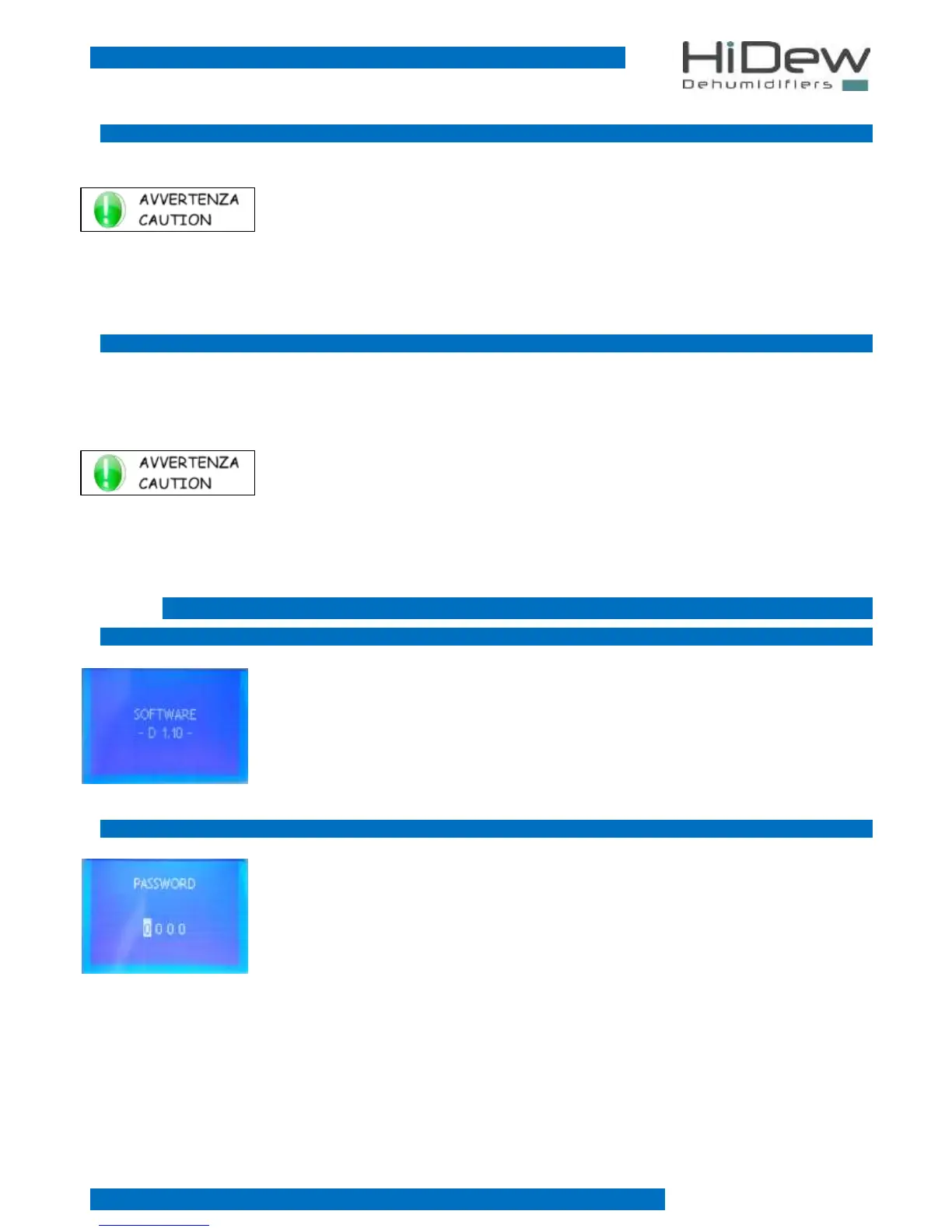
This screen allow to display the software version uploaded on the advanced control; you enter
this screen only from the main one, by pressing for 3 seconds the EXIT key; the screen is
displayed for few seconds and then it returns automatically to the main screen.
3.7.2 PASSWORD
This screen allows to insert the password to modify advanced parameters:
- press EXIT to exit and come back to the main screen
- press UP and DOWN to set each number of the password
- press OK to turn to the modification of the following value or you confirm



 To Next Page