Control Panel User Manual
70
{5} End the command.
Weekly Schedule Time Parameter Configuration
To configure the time parameters of the weekly schedule, please refer to the
command below.
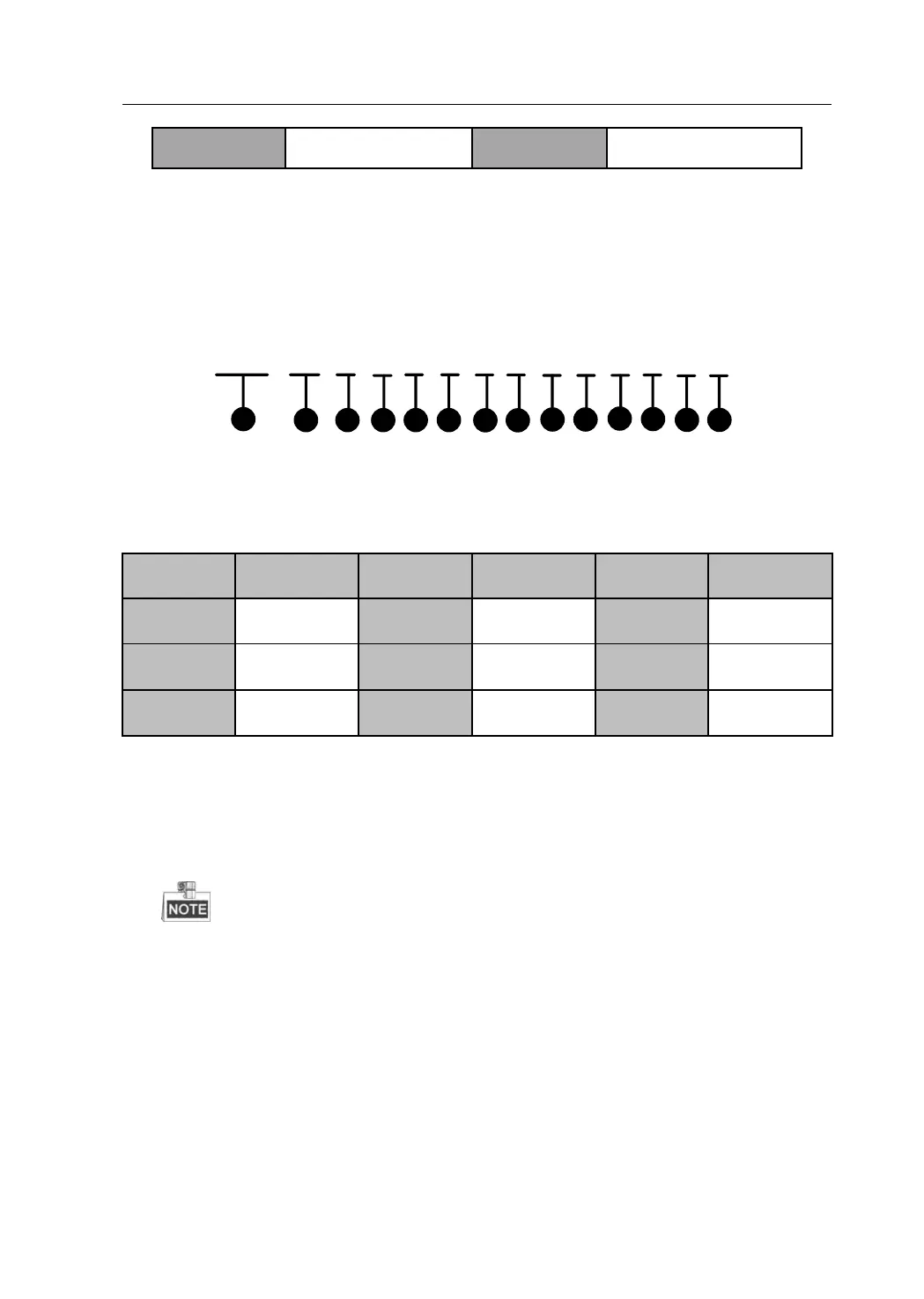
691 01 1 1 0 0 0 0 0 0 0 0 E #
1
2 4 63 5
87
9
10
11 12
13 14
{1} Weekly Schedule Time Parameter Configuration Command Address:
691.
{2} Partition Number. 01~08 indicate partitions No.1~No.8.
{3} Monday to Sunday
{4} Time bucket composed by {5}~{12}. The value range is 1~8.
{5}~{12} It indicates the start time and end time during the time bucket
of {4}.
Start Time: {5}{6}:{7}{8}
End Time: {9}{10}:{11}{12}
When you set the start and end time as 00:00 and 00:00, all the
settings from the present time bucket to the maximum time bucket
will be cleared.
When you set the start and end time as non-zero, the previous time
bucket must be non-zero.
When you set the start and end time as non-zero, only Arming in
{13} can be set.


 To Next Page
 Loading...