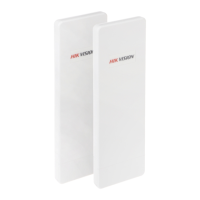
User Manual of DS-3WF03C-D Outdoor Video Wireless Network Bridge
Chapter 2 Installation
This chapter describes how to install DS-3WF03C-D device in the bridge mode, and the
installation method of router mode can be seen in Chapter 7.
2.1
Connections and Installation
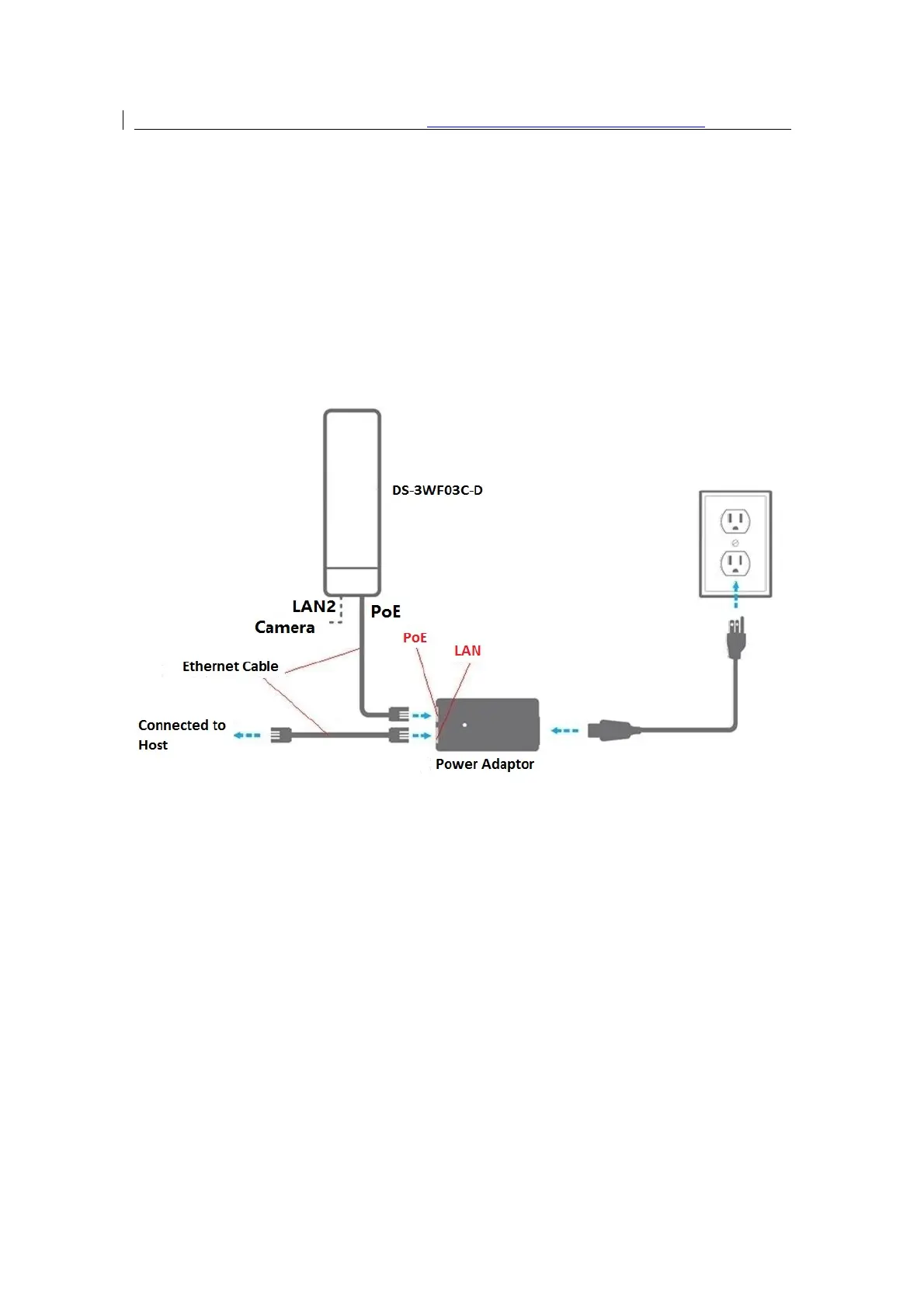
The connection of DS-3WF03C-D device to POE and power supply is shown in figure.
Figure 2-1 Connections at Bridge mode
DS-3WF03C-D has 2 RJ45 ports, and they are marked with “POE” and “LAN2” separately.
In the bridge mode, please connect the device with the POE power adaptor in the
following way:
1.
Remove the bottom cover from the DS-3WF03C-D device, and you will see there are
2 RJ45 ports marked with “POE” and “LAN2”.
2.
Using an Ethernet cable to connect the POE power adaptor and the “POE” port of
the DS-3WF03C-D device.
3.
Connect the POE adaptor to the normal power supply board.
4.
Normally, “LAN2” port of the DS-3WF03C-D can be connected to IP Camera and


 To Next Page
 Loading...