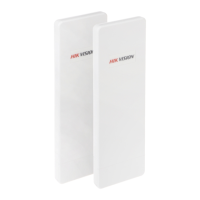
User Manual of DS-3WF03C-D Outdoor Video Wireless Network Bridge
Chapter 5 Status
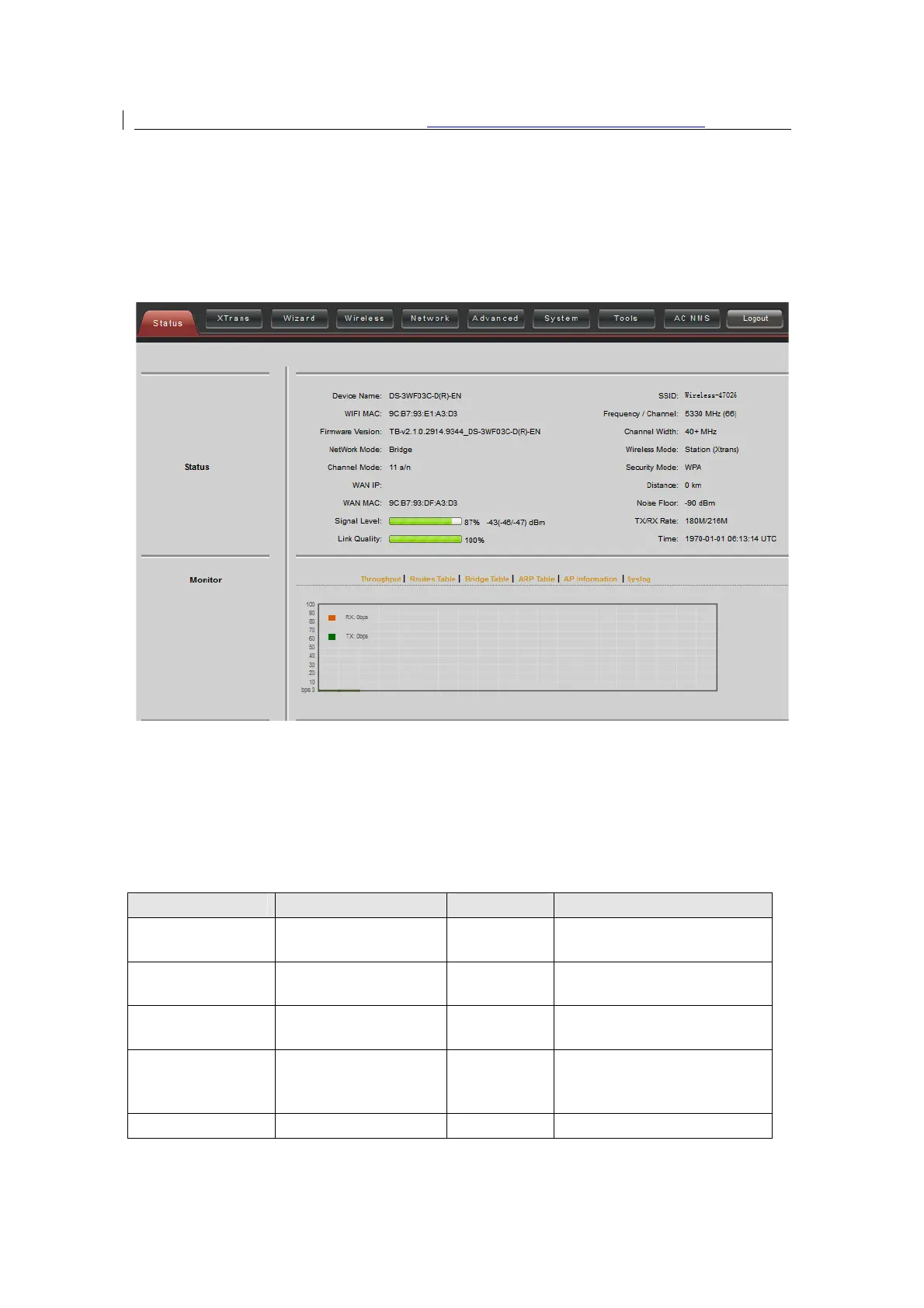
Status is the first page shown after logging in. It shows the current configuration and
real-time monitoring of the device, seen in the following figure. This page is divided into
2 parts: Status and Monitor.
Figure 5-1 Status
5.1
Status
All the configurations in Status page are shown in table.
Table 5-1 Configurations shown in Status
network
port
annel
number
Width
MHz, 40+ MHz
or Bridge
Mode
Access Point, WDS Station,
WDS repeater
Wireless encryption method


 To Next Page
 Loading...