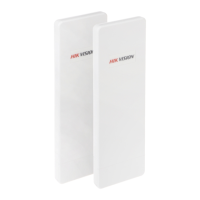
User Manual of DS-3WF03C-D Outdoor Video Wireless Network Bridge
Chapter 9 System
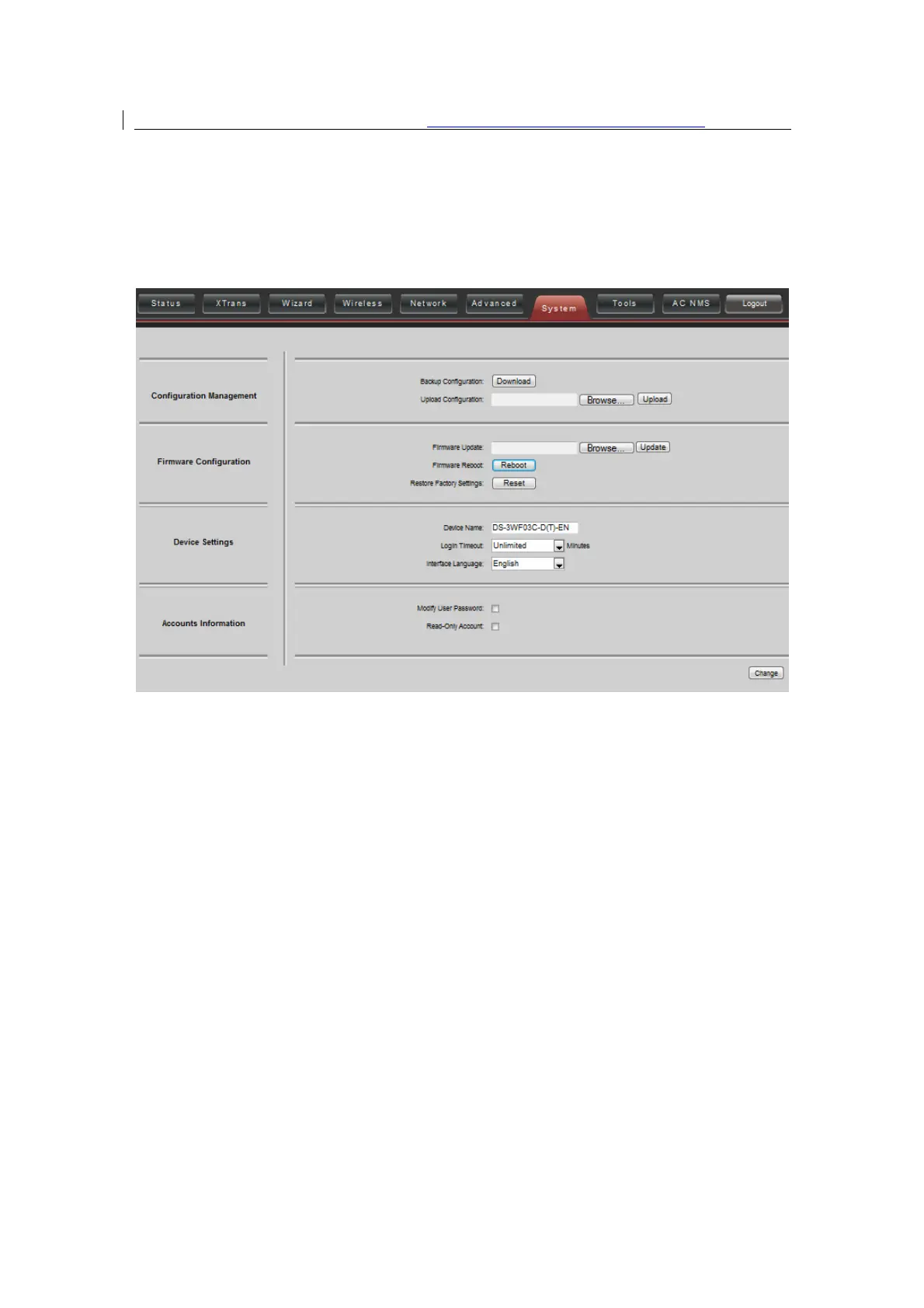
System page is shown in figure, and it is divided into the following 4 parts: Configuration,
Firmware, Device Setting, Accounts.
Figure 9-1 System Page
Backup configuration
: When clicking Download button, the current configuration can be
backed up to a file.
Upload configuration
: When clicking browse, user can choose the backup configuration
file and then click upload, so that the configuration stored in the backup file can be
applied.
Firmware update
: Click browse button and choose the file, and then click update button,
the firmware can be updated to the latest version.
Firmware reboot:
Click the Reboot button to reboot the device.
Restore Factory Settings:
Click the Reset button to restore to the factory default
settings.
Device name:
It can be set to any name needed.
Login Timeout:
Login Timeout setting.


 To Next Page
 Loading...