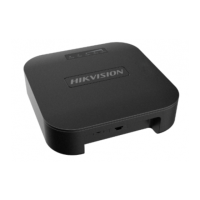
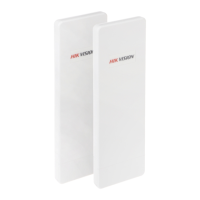
User Manual of DS-3WF03C-D Outdoor Video Wireless Network Bridge
Chapter 3 Quick Configuration
This chapter describe how to configure the device quickly.
3.1
Log In
To log in the DS-3WF03C-D device, user needs to configure the TCP/IP of your computer
first as the following steps:
1.
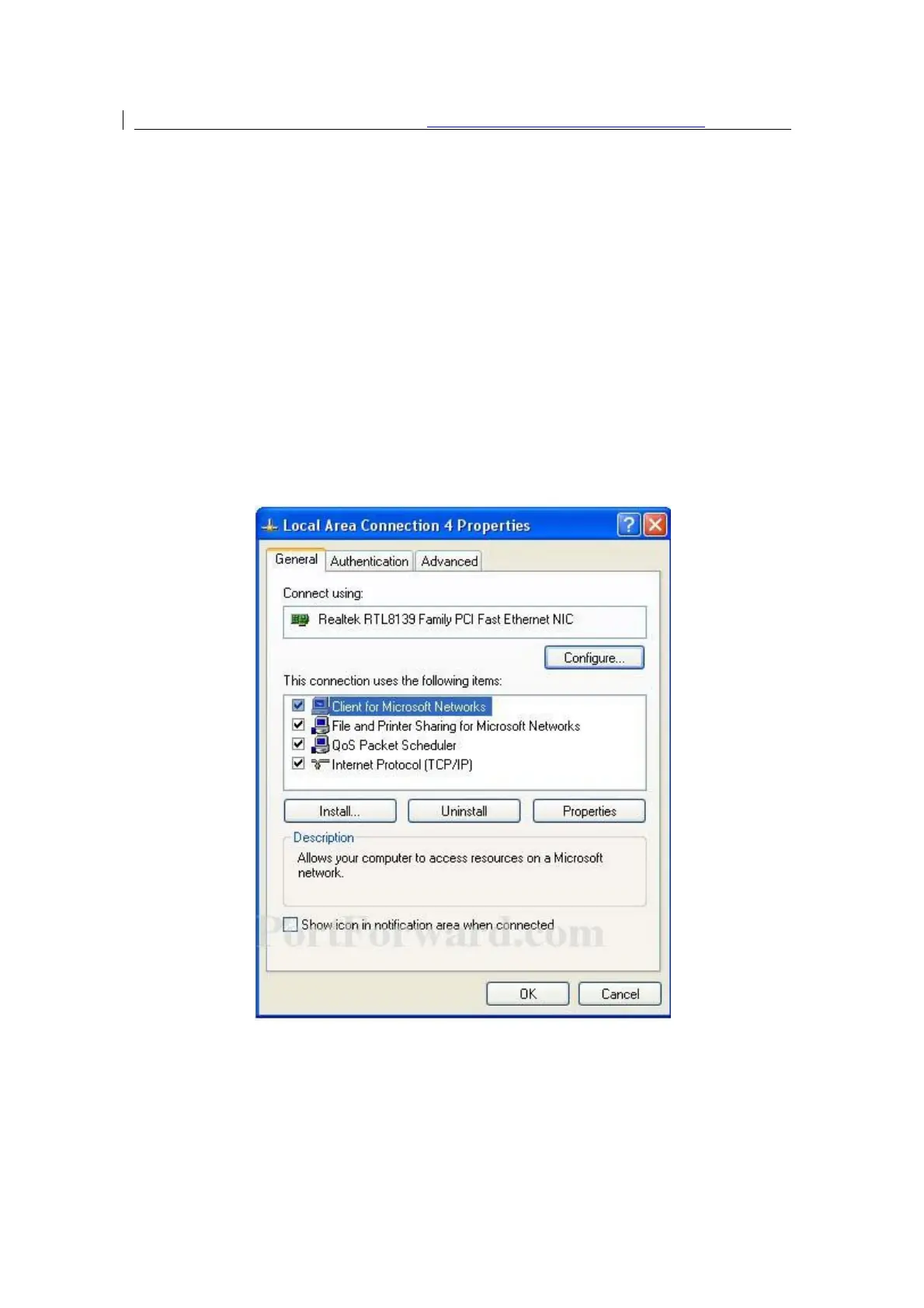
Right click Local Area Connection icon of your computer and click properties, then
click Continue, the Local Area Connection Properties dialog box appears as figure.
Figure 3-1 Local Area Connection Properties
2.
Select Internet Protocol (TCP/IP) and click Properties button, and the following
dialog box appear:


 To Next Page
 Loading...