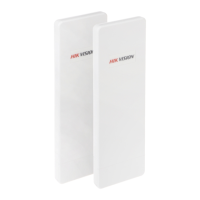
User Manual of DS-3WF03C-D Outdoor Video Wireless Network Bridge
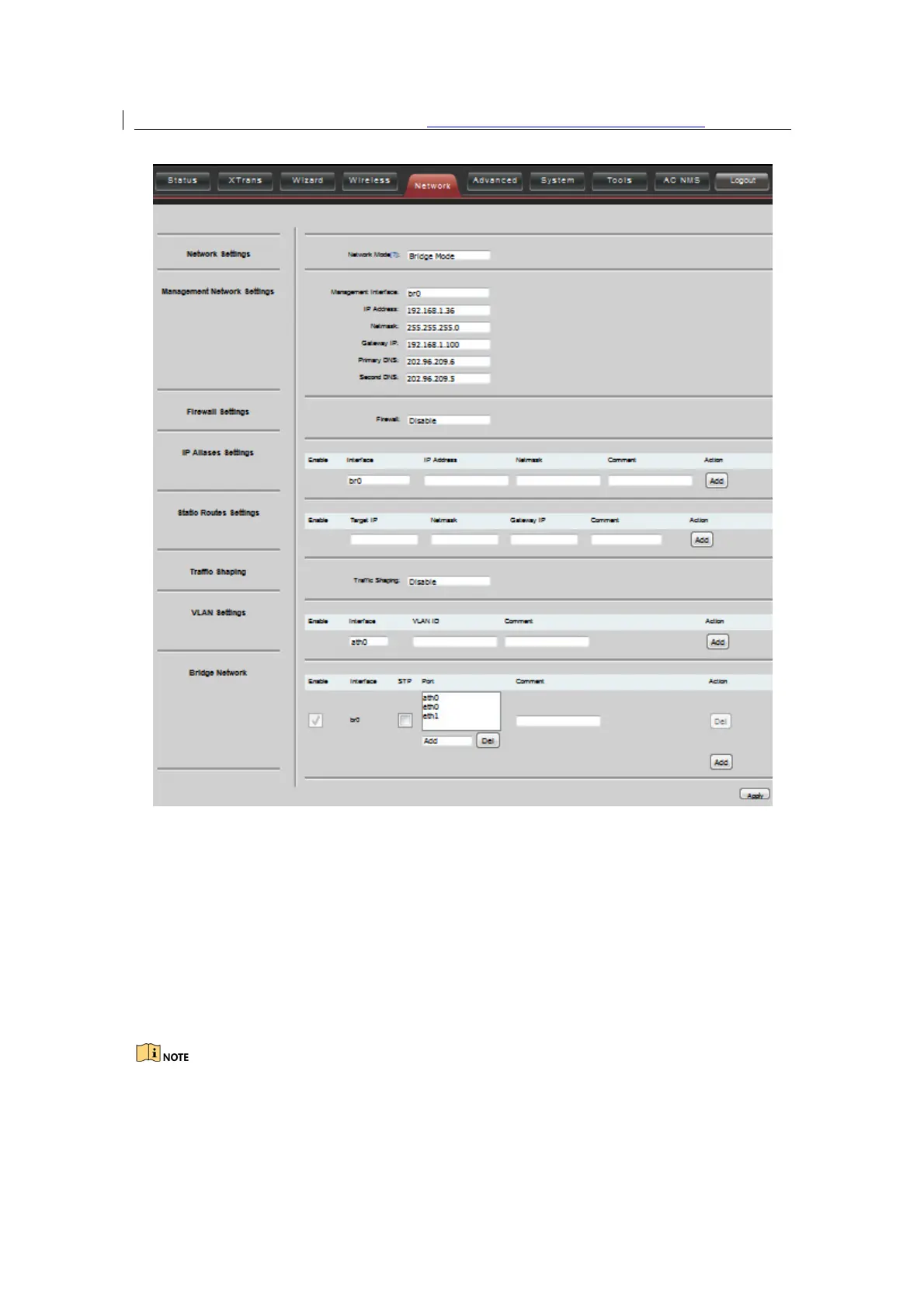
Figure 7-2 Router mode
WAN Mode:
WAN mode can be configured to DHCP, PPPoE and Static IP. When set to
DHCP, the device can dynamically get the IP address; otherwise, user needs to manually
set the IP address, Netmask, Gateway and other information.
WAN IP
: WAN IP address. It should be set to the same segment of IP address of the
internet provided by ISP, please check with the ISP for this information.
WAN Netmask
: WAN Netmask, use can check with the ISP for this information.
WAN IP address should not be the same as the IP devices of the internet to avoid
collision.


 To Next Page
 Loading...