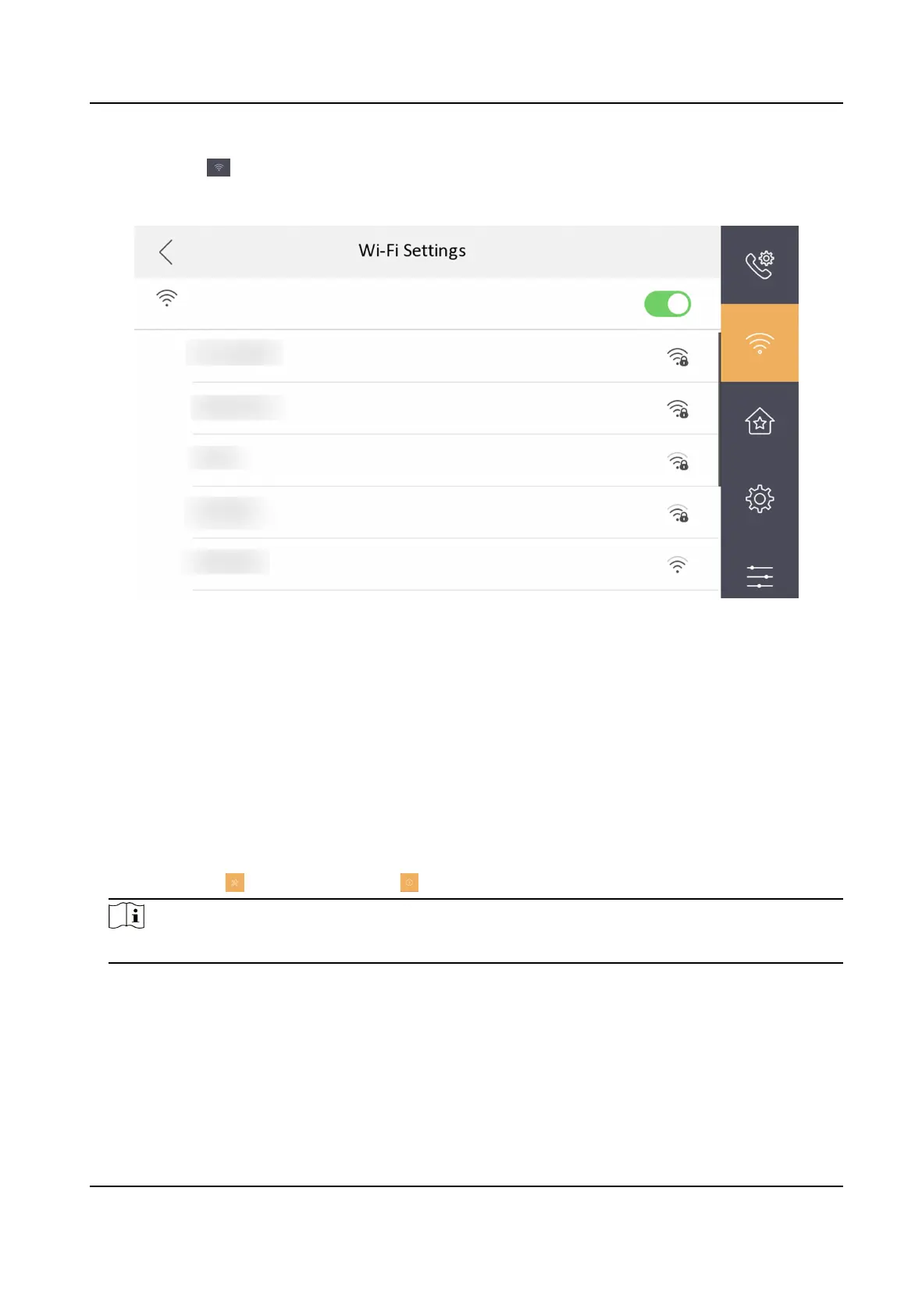
Tap Sengs → to enter the Wi-Fi Sengs page. Enable Wi-Fi. Select a Wi-Fi from the list and
enter the password of the Wi-Fi, and the indoor staon can connect to the Wi-Fi.
Figure 3-20 Wi-Fi Sengs
3.3.4 Set Indoor
Staon No.
Indoor staon No. and the indoor extension No. are numbers, which can be dialed by other devices
to call the indoor staon and the indoor extension in an intercom system. The indoor staon No., is
composed of the
oor No., room No., community No., building No. and unit No.
The indoor extension No. Should be a numeric from 1 to 5.
Up to 5 indoor extensions can be set for 1 indoor
staon.
Steps
1.
Tap
Sengs → → Conguraon → to enter the indoor staon No. sengs page.
Note
Default admin password is the acvaon password.
Network Indoor Staon Conguraon Guide
19



 To Next Page
 Loading...