Room Informaon
You can set room name and No. Tap Advanced to set the community No., building No., and
unit No. if you need.
When calling the indoor staon and the two devices are in the same building, you can call the
room No. directly.
If
Live View
Duraon
You can set the duraon of live view.
Registraon Password
You can create a new SIP registraon password.
Enable SIP 1.0
You can enable SIP 1.0 protocol according to your needs.
3.3.5 SIP
Sengs
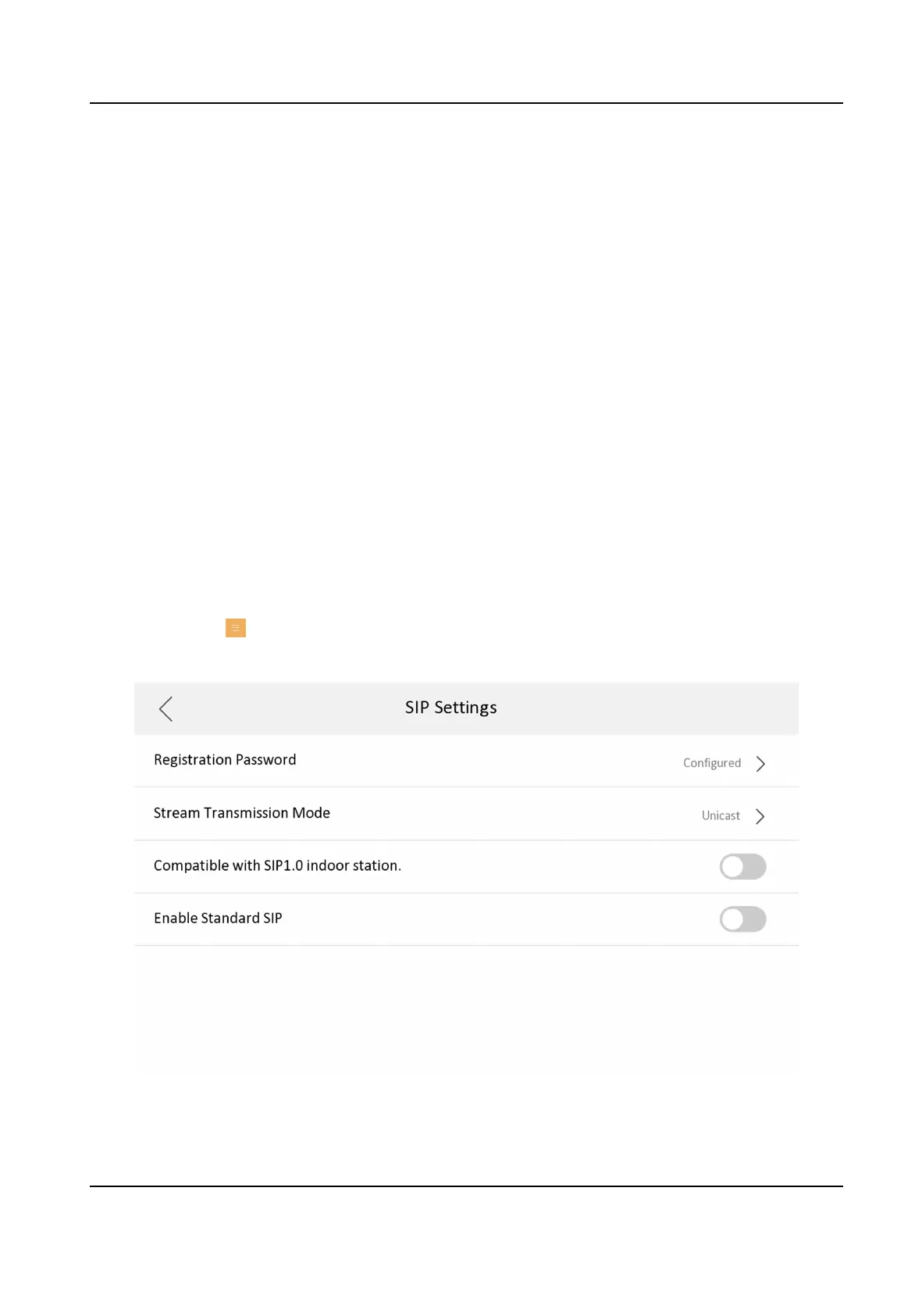
Devices can communicate with each other via SIP protocol. You create set the SIP register
password, enable standard SIP and set VOIP account.
Steps
1.
Tap
Sengs → → Conguraon , and enter admin (acvaon) password.
2.
Tap SIP Sengs in Local Informaon Page.
Figure 3-22 SIP Sengs
Network Indoor Staon Conguraon Guide
21



 To Next Page
 Loading...