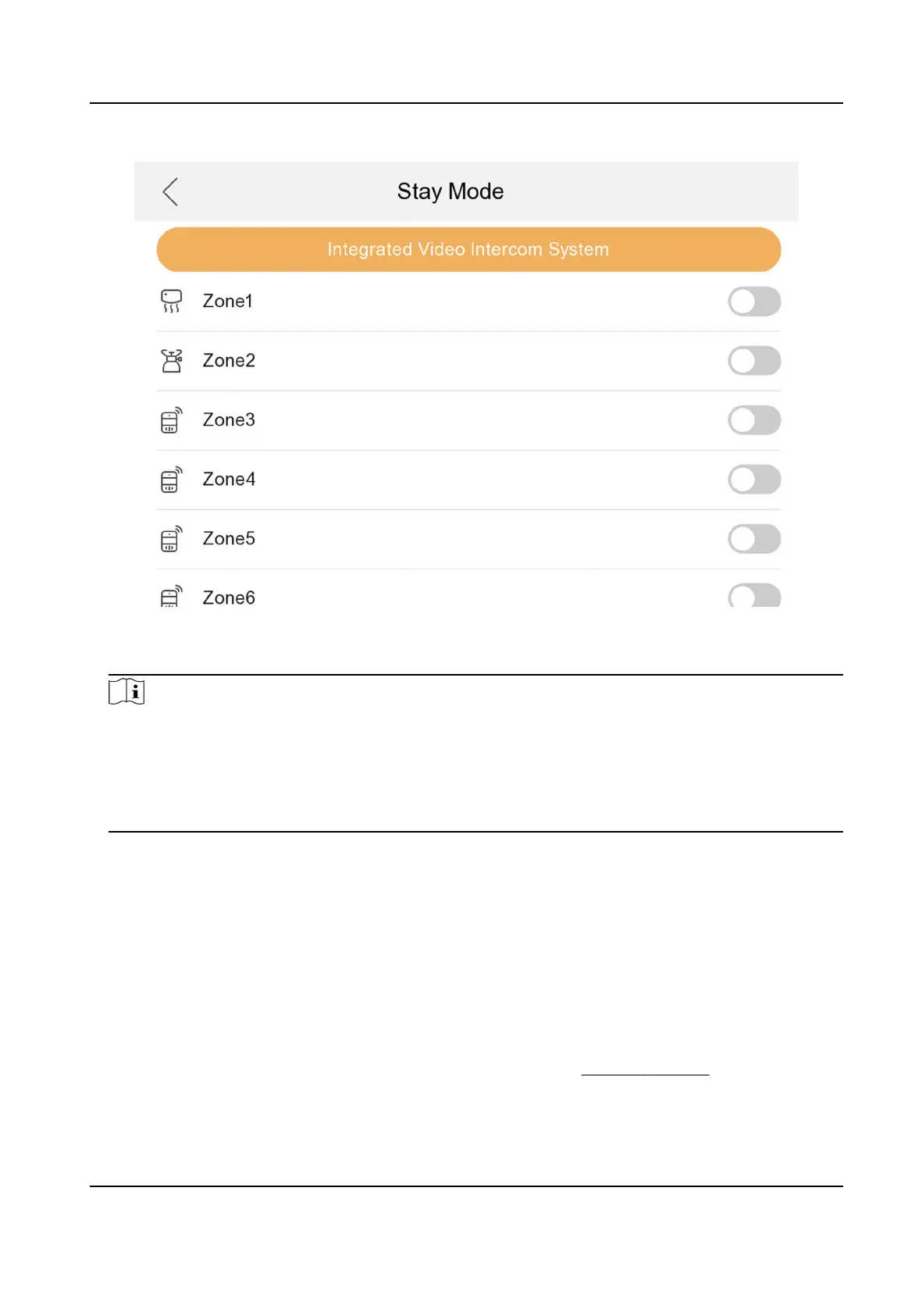
Figure 3-25 Arming Mode Sengs
3.
Arm the selected zone.
Note
●
Zones are congurable on the arming mode page.
●
24H alarm zone including smoke detector zone and gas detector zone will be triggered even if
they are disabled.
●
Arming mode
sengs should be congured with the sengs of arming status on the user
page of the device.
3.4 Password Sengs
3.4.1 Change Admin Password
If you forget admin (acvaon) password when entering Conguraon page, you can change it via
vericaon code from Email.
Before You Start
The Email address has been registered aer acvaon. Refers to Security Sengs .
Network Indoor Staon Conguraon Guide
25



 To Next Page
 Loading...