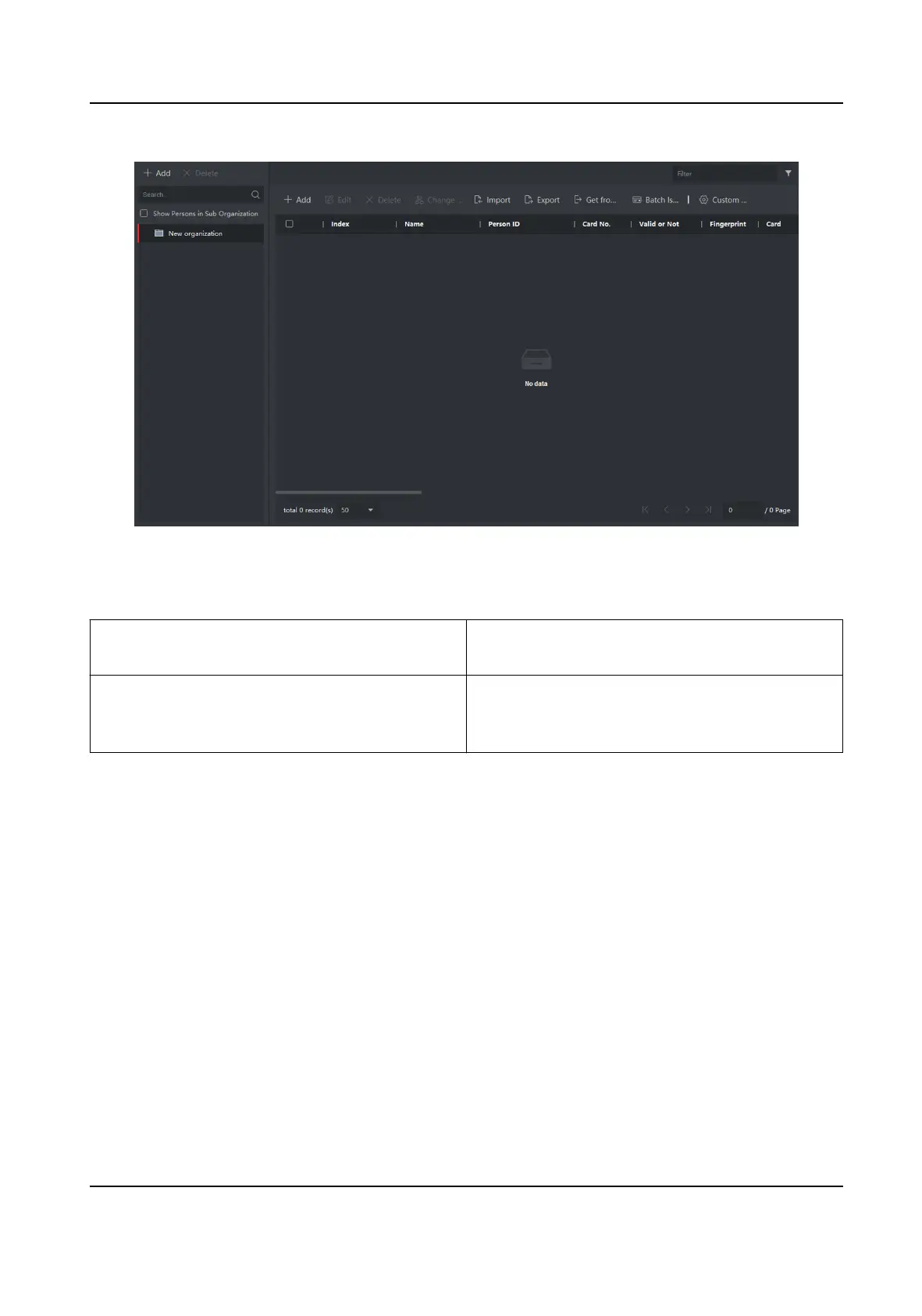
Figure 4-23 Personal Management Applicaon
The page is divided into two parts: Organizaon Management and Person Management.
Organizaon
Management You can add, edit, or delete the organizaon as
desired.
Person Management Aer adding the organizaon, you can add the
person to the organizaon and issue card to
persons for further management.
4.4.1 Organizaon Management
On the main page of the Client Soware, click Person to enter the conguraon page.
Add
Organizaon
Steps
1.
In the
organizaon list on the le, click +Add.
2.
Input the organizaon name as desired.
3.
You can add
mulple levels of organizaons according to the actual needs.
1) You can add mulple levels of organizaons according to the actual needs.
2) Then the added organizaon will be the sub-organizaon of the upper-level organizaon.
Network Indoor Staon Conguraon Guide
65


 To Next Page
 Loading...