Auto-answer
Enable Auto-answer. Aer enabling, the call from door staon/villa door staon will be
answered by the indoor staon automacally. The caller from door staon/villa door
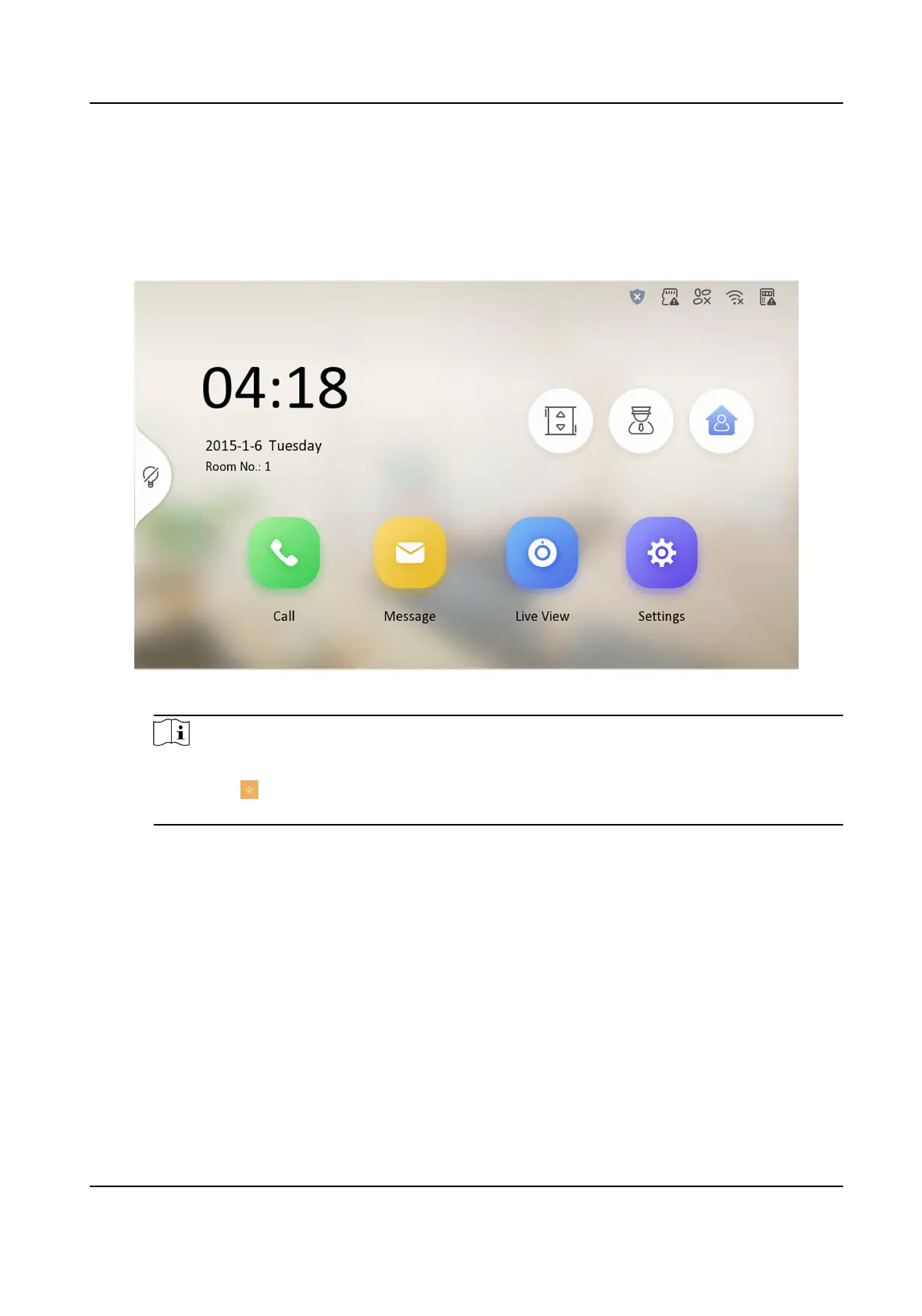
staon can leave voice messages. Aer the message is le, you can check it from Message
on the main page of the device.
Figure 3-31 Main Page
Note
Before enabling Auto-answer, the funcon of Leave Message needs to be enabled. Tap
Sengs → → to enter the shortcut sengs page. Eanble Leave Message and go back to
calling sengs page to enable Auto-answer.
Do Not Disturb Device
Select All and all devices will not disturb this device. Select Indoor Staon and all indoor
staon will not disturb this device.
Do Not Disturb
Set the do not disturb schedule. Select Close and the do not disturb funcon will not be
enabled. Select All Day and this device will not be disturbed all day. Select Schedule and
you can set the do not disturb
me duraon. Within the congured me, this device will
not be disturbed.
Network Indoor Staon Conguraon Guide
31



 To Next Page
 Loading...