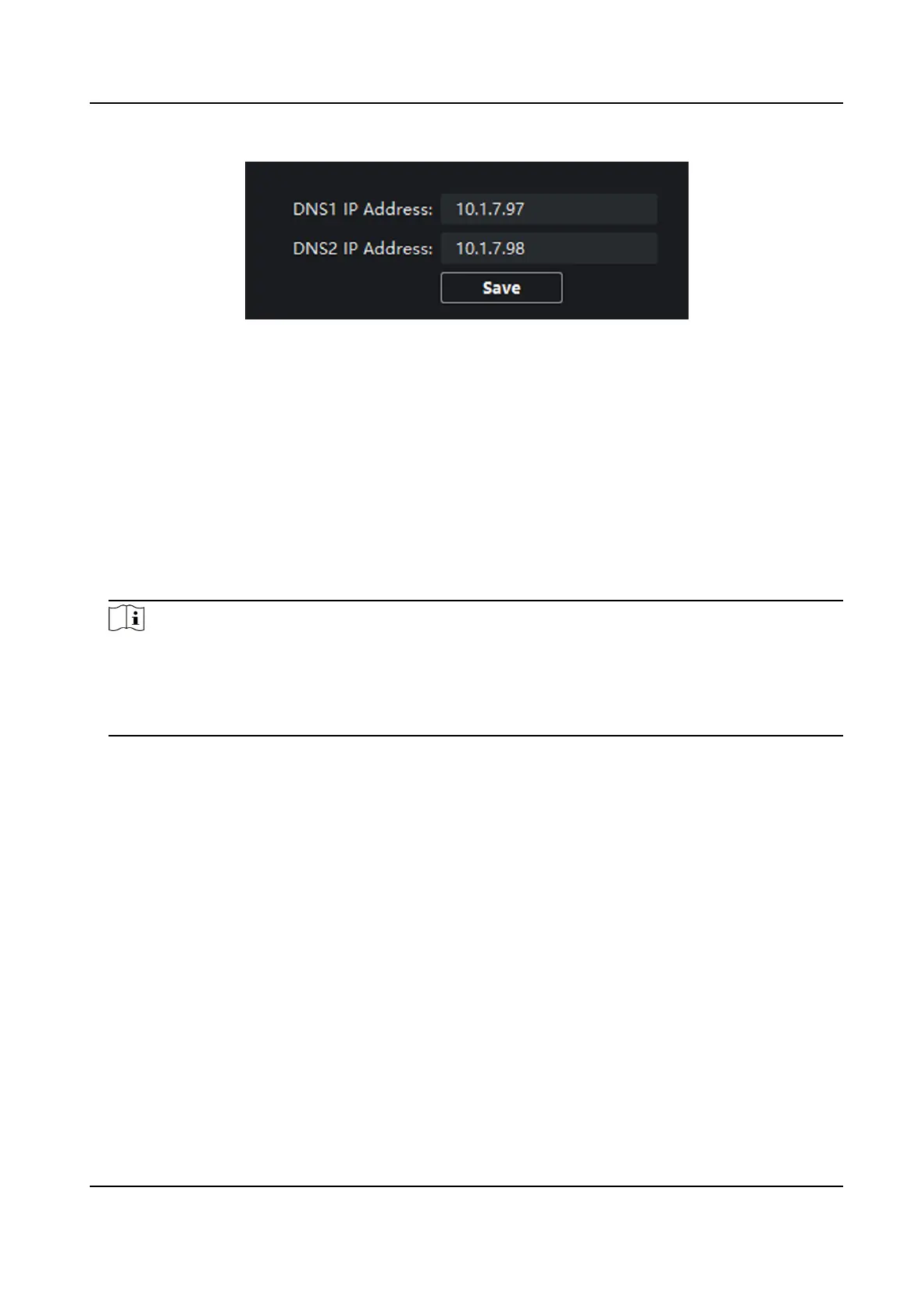
Figure 4-21 DNS Sengs
Congure Mobile Client Connecon
Congure Hik-Connect server parameters before viewing videos via mobile client.
Before You Start
Make sure the indoor staon connects to the network.
Steps
1.
Click Hik-Connect to enter the
conguring the sengs page.
2.
Enable Enable Hik-Connect.
Note
●
To enable Hik-Connect service, you need to create a vericaon code or change the
vericaon code.
●
The vericaon code should be 6 to 12 leers or numbers, case sensive. You are
recommended to use a
combinaon of no less than 8 leers or numbers.
3.
Enter the Vericaon Code and conrm the vericaon code.
4.
Click OK.
5.
Enable Custom and edit Service Address.
6.
If you forget the
vericaon code, you can enable View.
7.
Click Save to enable the sengs.
8.
Oponal: Click Refresh to refresh the sengs.
Group Network
Sengs
Click Group Network Sengs to enter the group network sengs page.
Network Indoor Staon Conguraon Guide
63



 To Next Page
 Loading...