User Manual of Network Video Recorder - User Manual
27
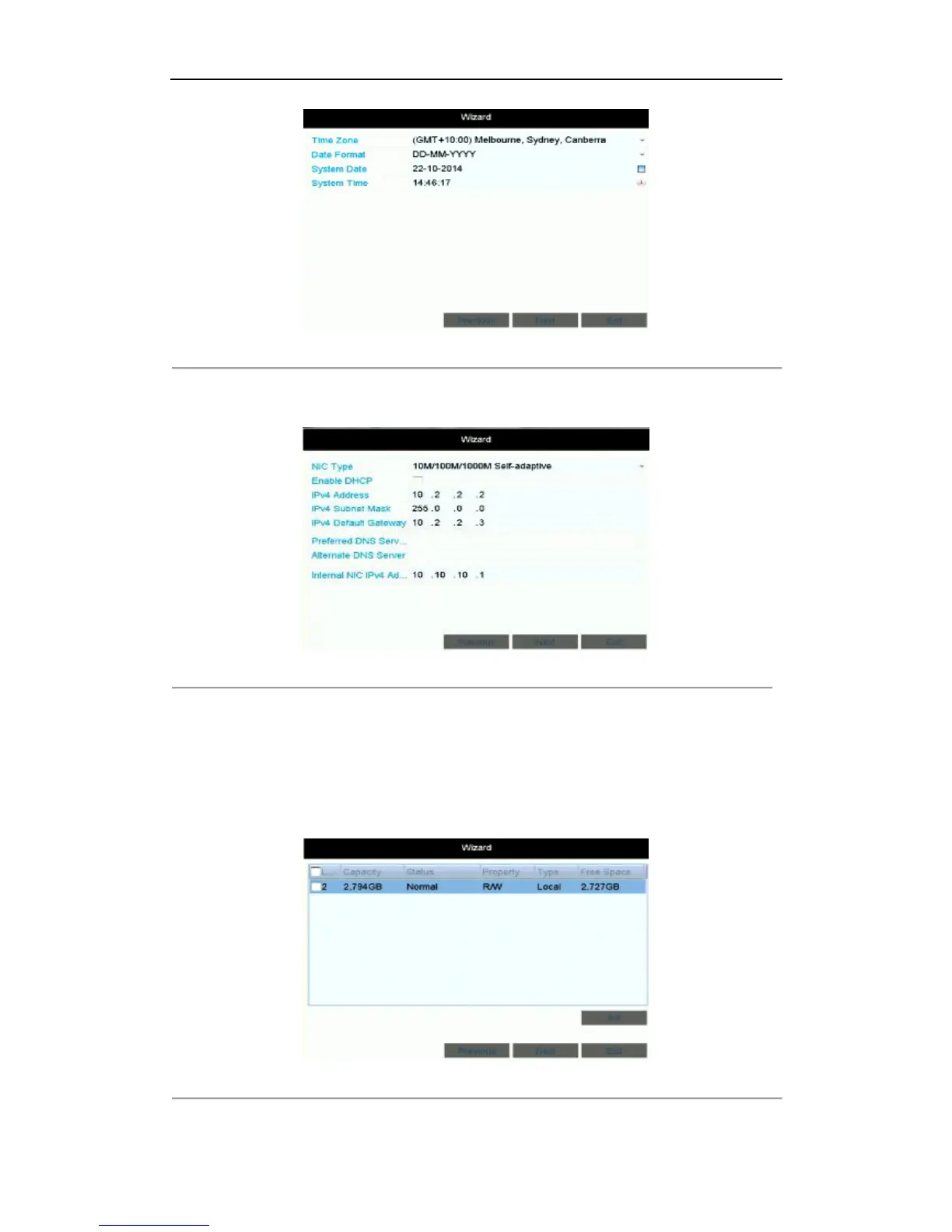
Figure 2. 4 Date and Time Settings
6. After the time settings, click Next button which takes you back to the Network Setup Wizard window, as
shown in Figure 2. 5.
Figure 2. 5 Network Configuration
Note:
And for the models which have the PoE or built-in switch network interfaces, the internal NIC IPv4
address should be configured for the cameras connecting to the PoE or built-in switch network interface
of the NVR.
7. Click Next button after you configured the network parameters, which takes you to the HDD Management
window, shown in Figure 2. 6.
Figure 2. 6 HDD Management



 To Next Page