24
Attaching/Removing Protector
2.2 Attaching/Removing Protector
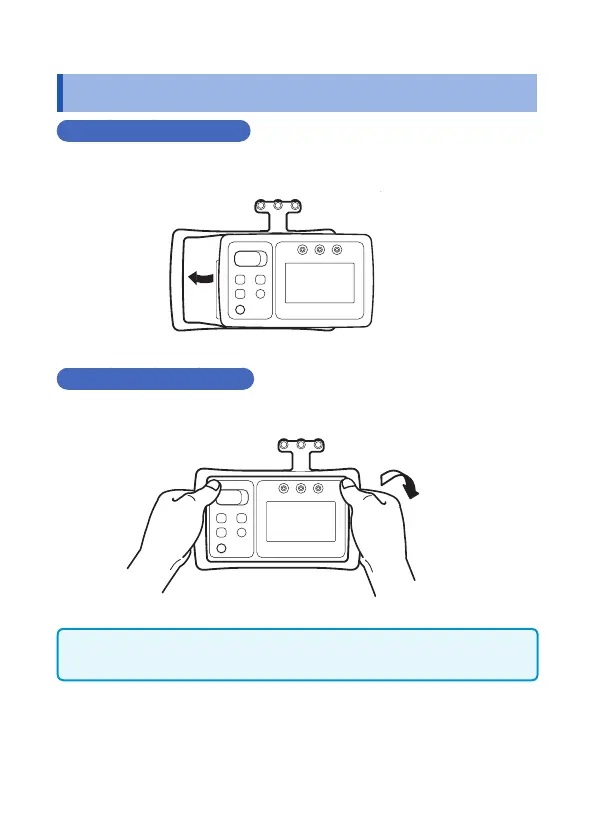
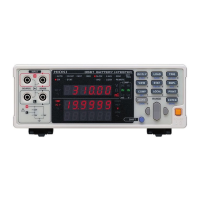
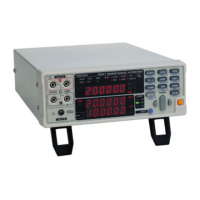
Attaching the protector
Tilt the device and slide it into the protector, and then push the
entire device into the protector.
Removing the protector
Hold it with both hands and push the one end of the protector down.
IMPORTANT
If the protector is removed, drop-proof (p.60) will be void.


 To Next Page