57
Displaying the Serial number
2.11 Displaying the Serial number
Turn the power on while pressing Fn button.
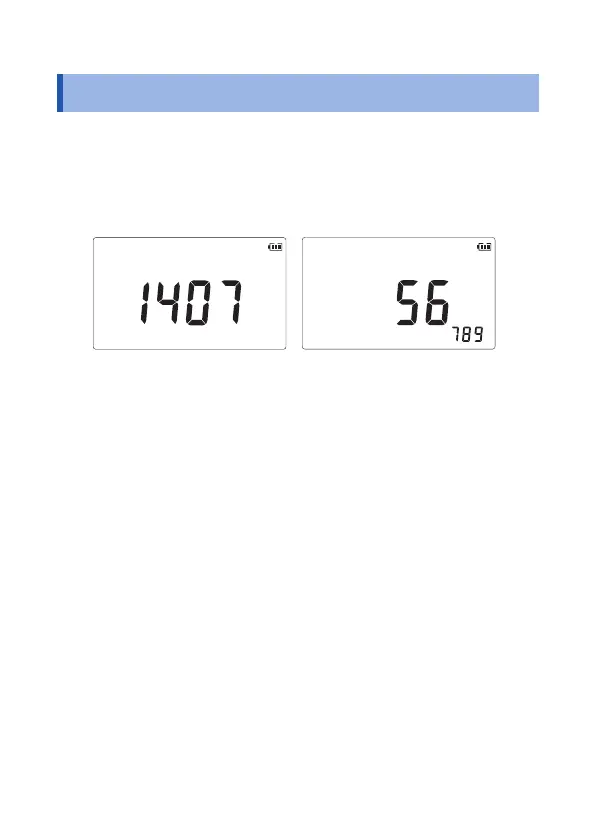
The rst 4 digits and the last 5 digits of the serial number (9 digits)
appear alternately.
If any button is pressed, its normal measurement screen will appear.
First 4 digits
Last 5 digits
(Example of a serial number: 140756789)
The serial number consists of 9 digits. The rst two (from the left) indicate the
year of manufacture, and the next two indicate the month of manufacture.


 To Next Page