56
Auto Power Save (Power-saving Function)
2.9 Auto Power Save
(Power-saving Function)
Approx. 10 min after the last operation or the last time
(
live wire
warning LED) turns on or blinks, the auto power save becomes
active and the screen turns off.
How to recover from auto power save
Press the
button to turn the screen on.
How to disable auto power save
Turn the power on while pressing 0
Ω
ADJ button.
The settings of an disabled auto power save will not be saved
when the power is turned off.
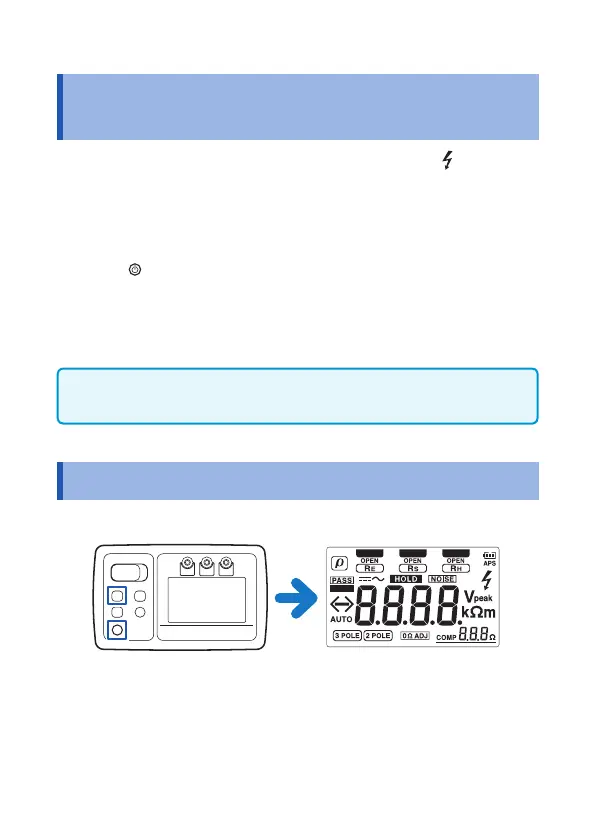
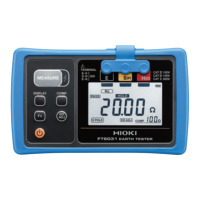
2.10 Activating the LCD All-on Display
1
Turn the power on while pressing DISPLAY button.
2
If any button is pressed, its normal measurement screen
will appear.


 To Next Page