32
Setting Up Comparator (PASS/FAIL Test)
How to set up comparator
1
2,3
1
Press Fn button to set to
(three-pole method), or
(two-pole method).
2
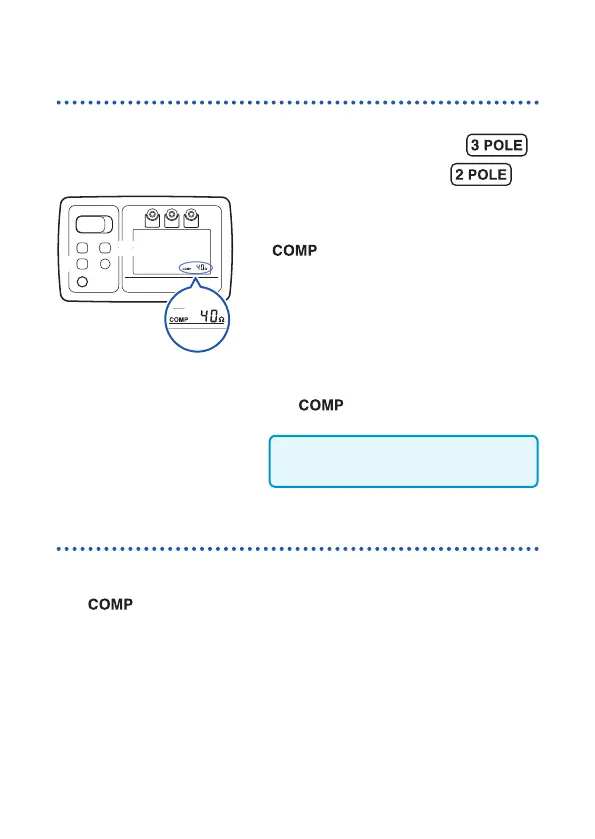
Press COMP button.
blinks, and the resistance for the
comparison reference appears.
3
Press COMP button again and then
choose a comparison reference.
If there is no operation for approx. 2 seconds
after the desired comparison reference has
been chosen, the comparator is enabled
and
lights up in the display.
The comparator setting is saved even
after the power is turned off.
How to disable comparator
1
Press COMP button while the comparator has been enabled.
blinks.
2
Press COMP button and then select [OFF].
If there is no operation for approx. 2 seconds, the comparator is
disabled.


 To Next Page