Operator's Manual iFLEX5
© Hirschmann Rev. E 11/12/08 190147_E
8
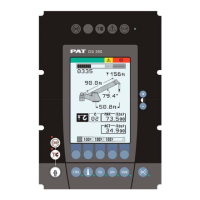
LC-Display
The LC display visualizes graphical symbols, texts and numerical
values. Depending on the selected operating mode (setup, limit mode
or LMI representation), the corresponding information is indicated on
the display.
Please refer to the description of the different operating modes for the
signification of the individual elements.
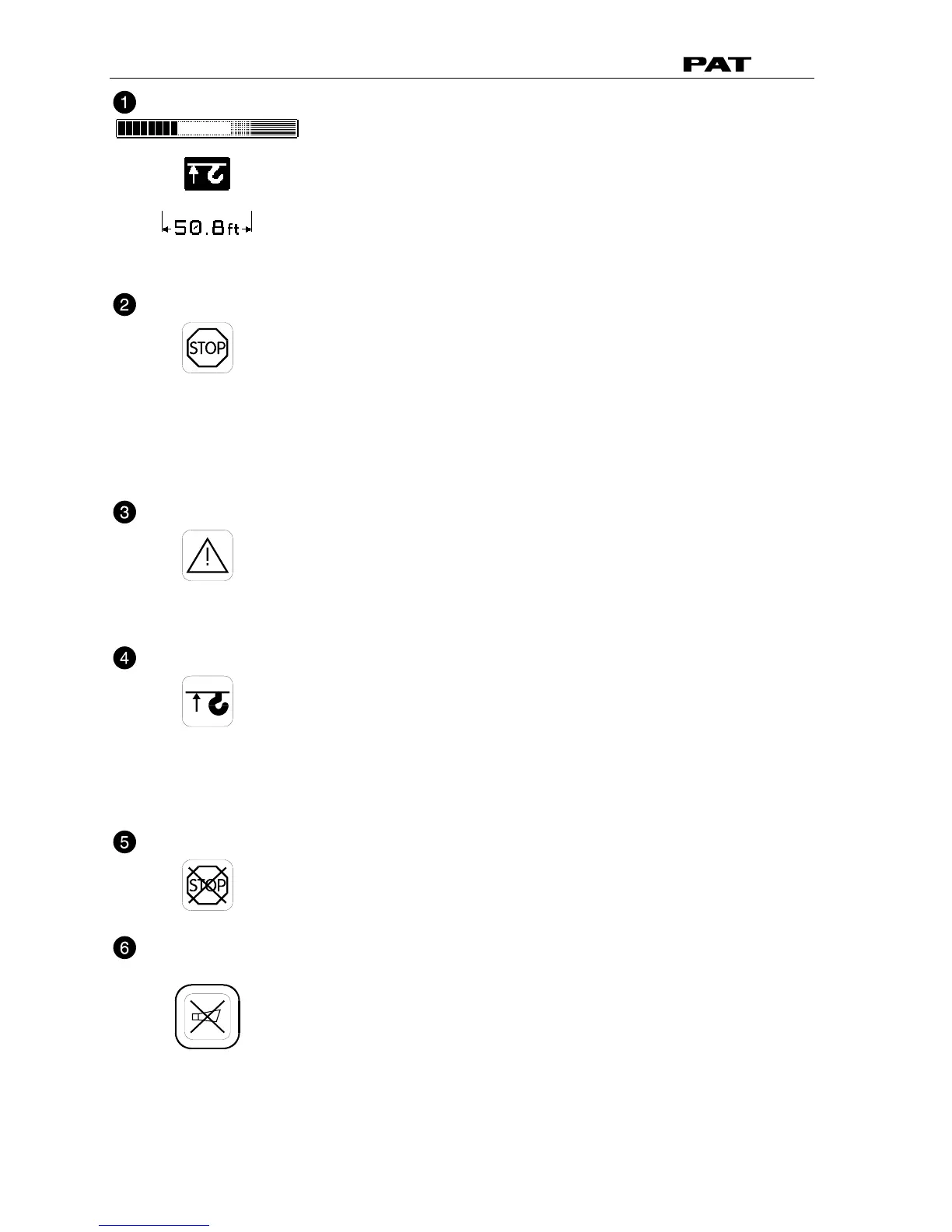
Load Moment Limit Light
The red LOAD MOMENT LIMIT LIGHT (2) warns the operator that a
rated load condition has been reached. It lights up when the load on
the crane reaches the crane load capacity. The audible alarm also
sounds when this condition has been reached.
The following crane movements will be stopped concurrently:
− hoist up
− telescope out
− boom down
Load Moment Prewarning Light
The yellow LOAD MOMENT PRE-WARNING LIGHT (3) will light up
when the load on the crane reaches the defined prewarning area,
thus indicating that an overload condition is approaching.
This means for the operator to continue his crane operation with
extreme caution.
Alarm Light “Anti-2-Block”
The red “Anti Two-Block Alarm Light” (4) lights up when the anti-two-
block limit switch contacts open, indicating that a two-blocking
condition is approaching. At the same time the audible alarm will
sound.
The following crane movements will be stopped subsequently: hoist
up, telescope out, boom down.
Override Key Warning Light
The red OVERRIDE KEY WARNING LIGHT (5) flashes to indicate
that the cut-off function of the A2B / LMI system is deactivated.
Button and Control Light “Alarm Stop”
This ALARM STOP BUTTON (6) allows the audible alarm to be
silenced for approximately 15 seconds by pressing this button.
Reference ⇒ “Audible Alarm” (12).


 To Next Page