Other A/V Source Setup
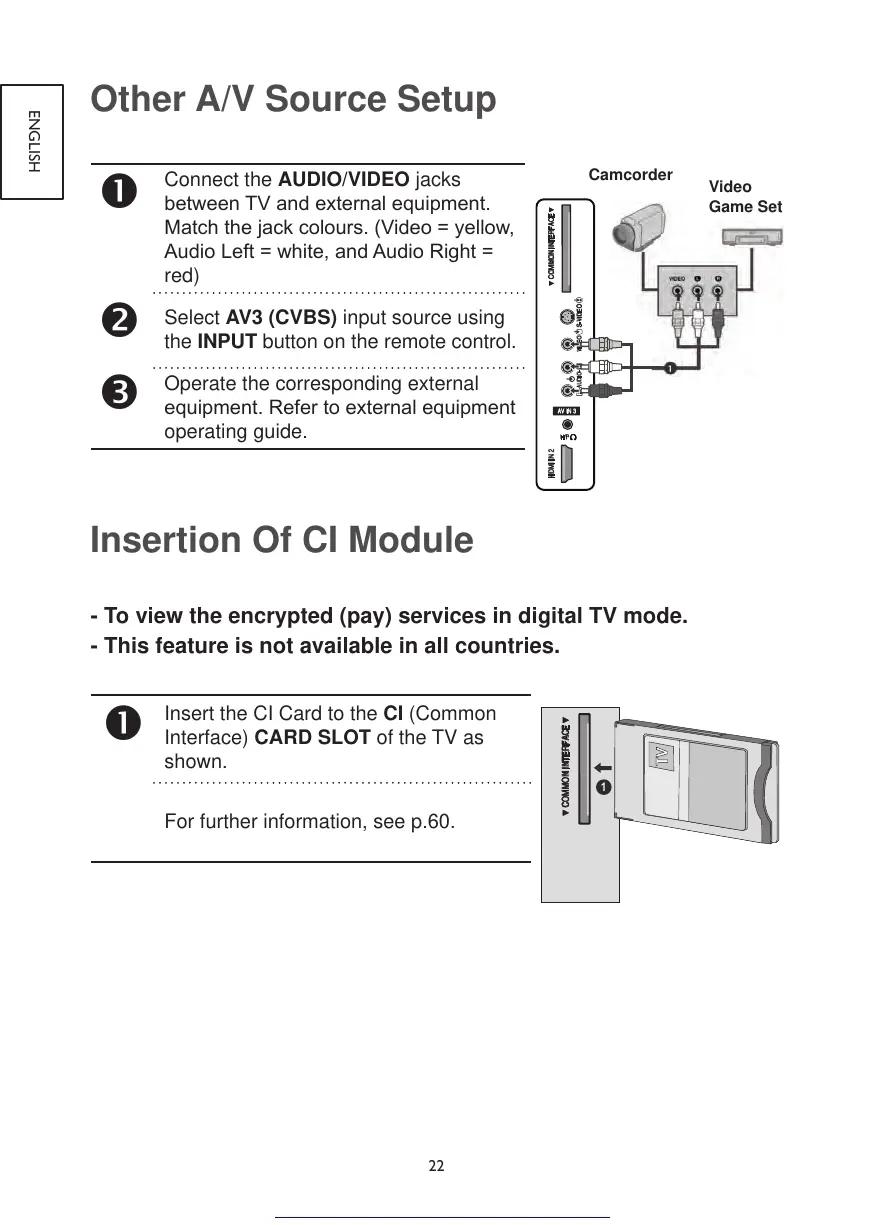
Connect the AUDIO/VIDEO jacks
betweenTVandexternalequipment.
Matchthejackcolours.(Video=yellow,
AudioLeft=white,andAudioRight=
red)
Select AV3 (CVBS) input source using
the INPUT button on the remote control.
Operate the corresponding external
equipment.Refertoexternalequipment
operating guide.
Insertion Of CI Module
- To view the encrypted (pay) services in digital TV mode.
- This feature is not available in all countries.
Insert the CI Card to the CI (Common
Interface) CARD SLOT of the TV as
shown.
For further information, see p.60.



 To Next Page