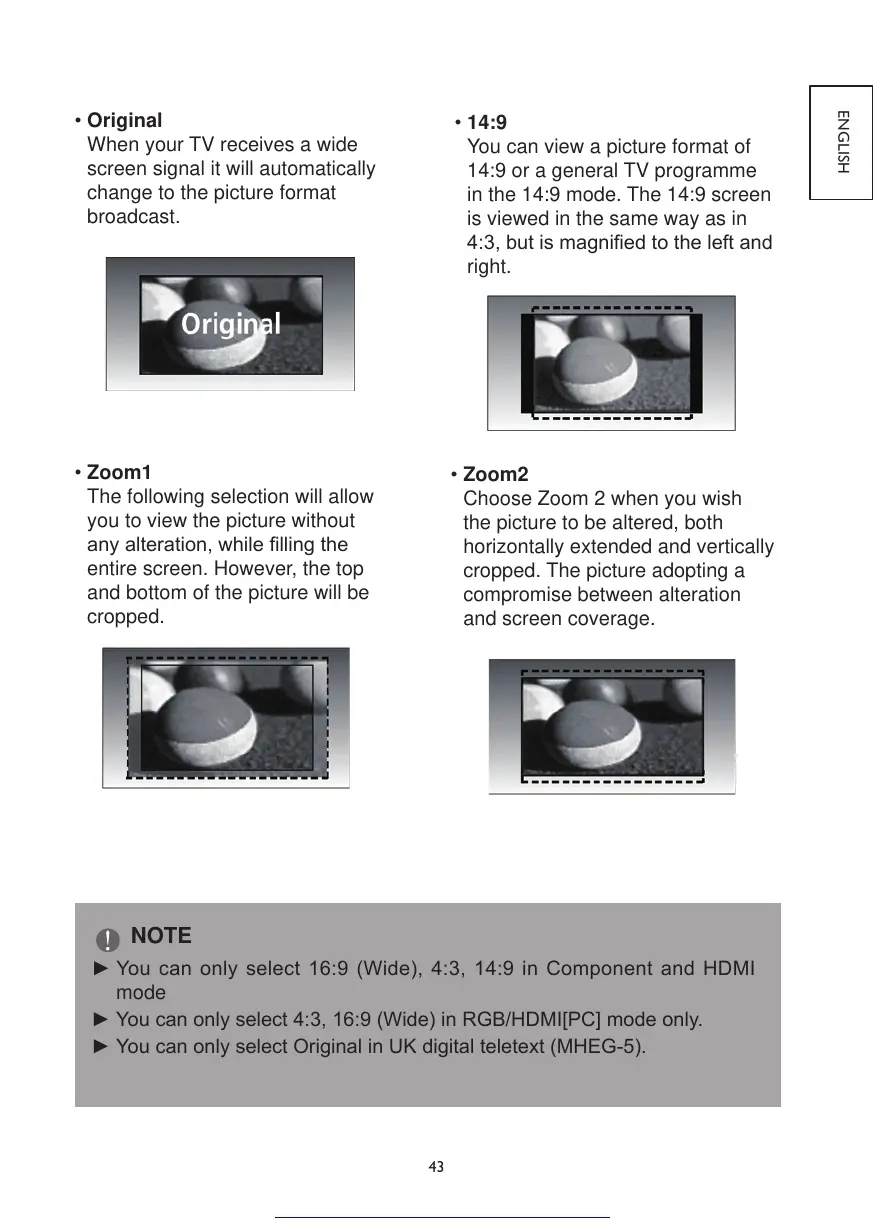
•Original
When your TV receives a wide
screen signal it will automatically
change to the picture format
broadcast.
•14:9
You can view a picture format of
14:9 or a general TV programme
in the 14:9 mode. The 14:9 screen
is viewed in the same way as in
4:3,butismagniedtotheleftand
right.
•Zoom1
The following selection will allow
you to view the picture without
anyalteration,whilellingthe
entire screen. However, the top
and bottom of the picture will be
cropped.
•Zoom2
Choose Zoom 2 when you wish
the picture to be altered, both
horizontally extended and vertically
cropped. The picture adopting a
compromise between alteration
and screen coverage.
NOTE
►Youcan onlyselect16:9(Wide), 4:3, 14:9 in ComponentandHDMI
mode
►Youcanonlyselect4:3,16:9(Wide)inRGB/HDMI[PC]modeonly.
►YoucanonlyselectOriginalinUKdigitalteletext(MHEG-5).



 To Next Page