28
Service information
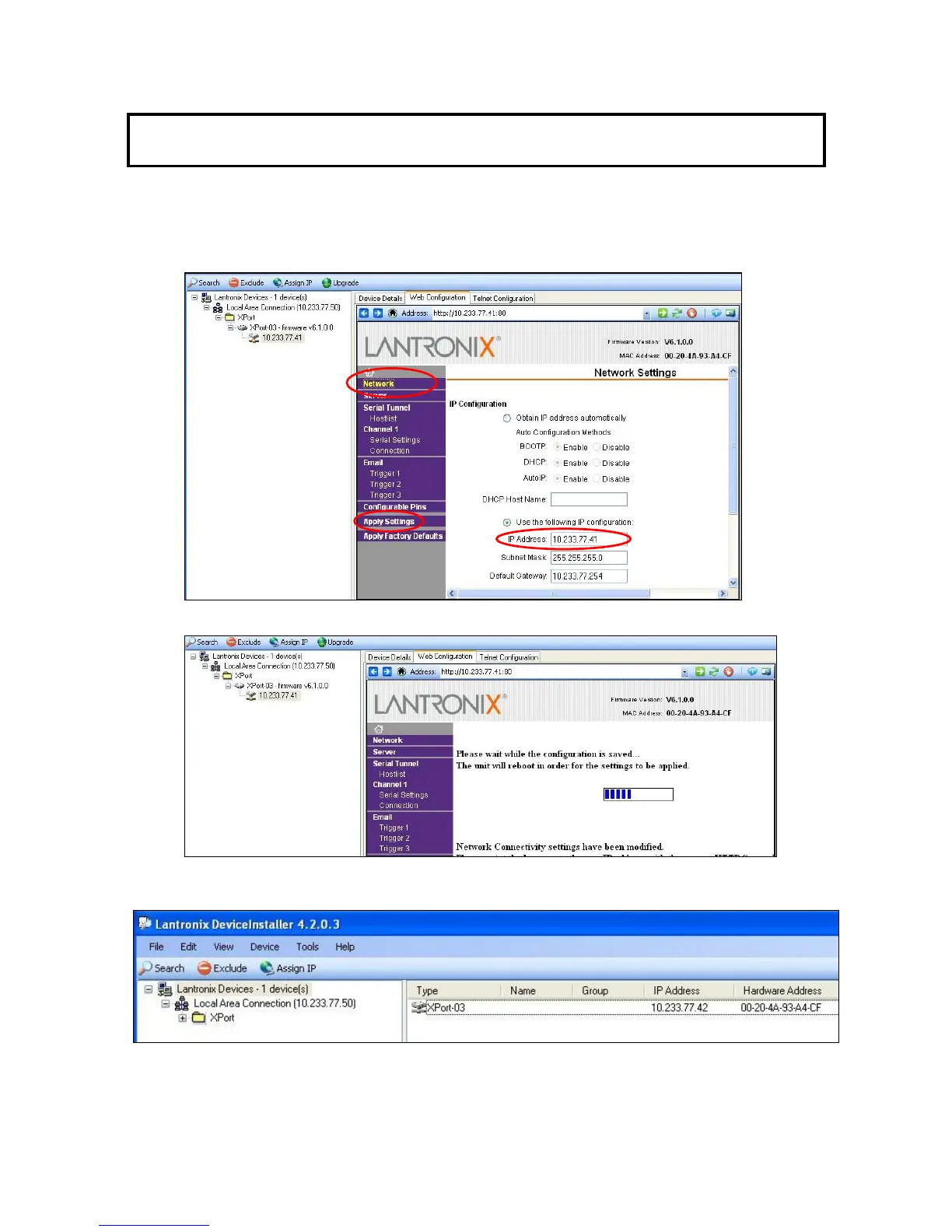
If the IP Address of the CU-HD1500 is highlighted, and the "Home" button on the screen is clicked, the
Network Settings are displayed on the right pane of the DeviceInstaller program. Note that only the
IP Address can be changed on the Network Settings pane. When it is necessary to change the port
number of the CCU, click on the “Serial Settings” under Channel 1 on the Network Settings pane.
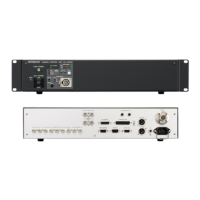
4.) Click on “OK” on the right pane then on “Apply Settings” on the left pane to change the IP
address.
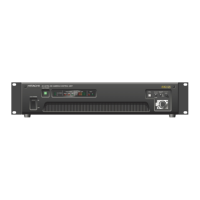
5.) Confirm that the IP Address has been changed by re-starting the " DeviceInstaller " program
again by clicking on “Search ". The IP Address on the PC side should also change when
retrieving it.


 To Next Page