www.hi-ti.com
15
2-1 Install Driver (Windows 2000/XP/Vista)
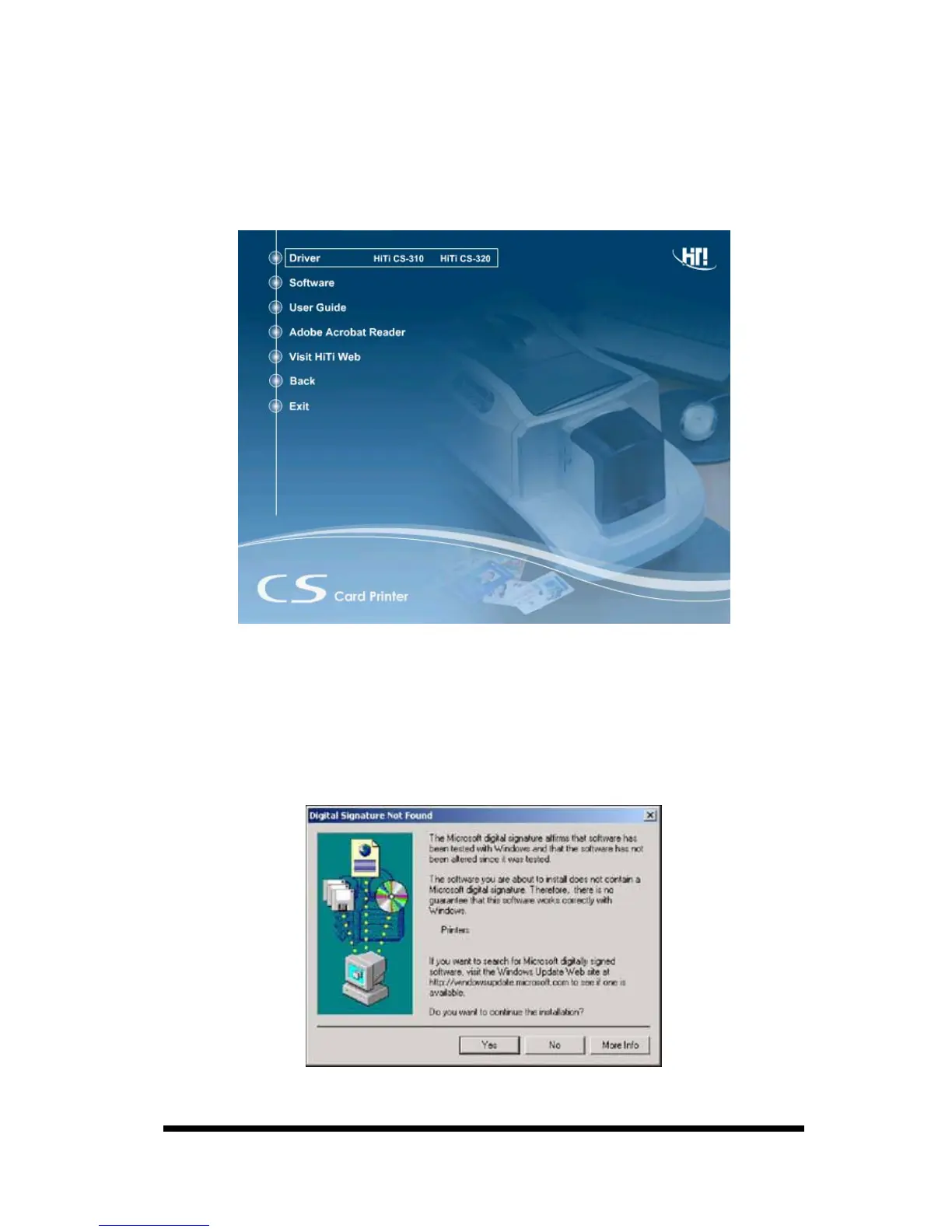
1.Insert the “Driver CD” into the CD-ROM drive. If the installation doesn’t start
automatically; run the “autorun.exe” in the disk.
2.Please select “Driver / HiTi CS-310 / CS-320” and install.
3.Click the “Start” button to install the driver.
4.Connect the printer to the PC using the USB cable and turn the printer on.
5. In Windows 2000 or Windows XP, if there’s message dialog showing “Digital
Signature Not Found” or “Driver Incompatibility”, please click “Yes” to
continue to install the driver.










 To Next Page