www.hi-ti.com
17
2-3 Install CardDesiree CS
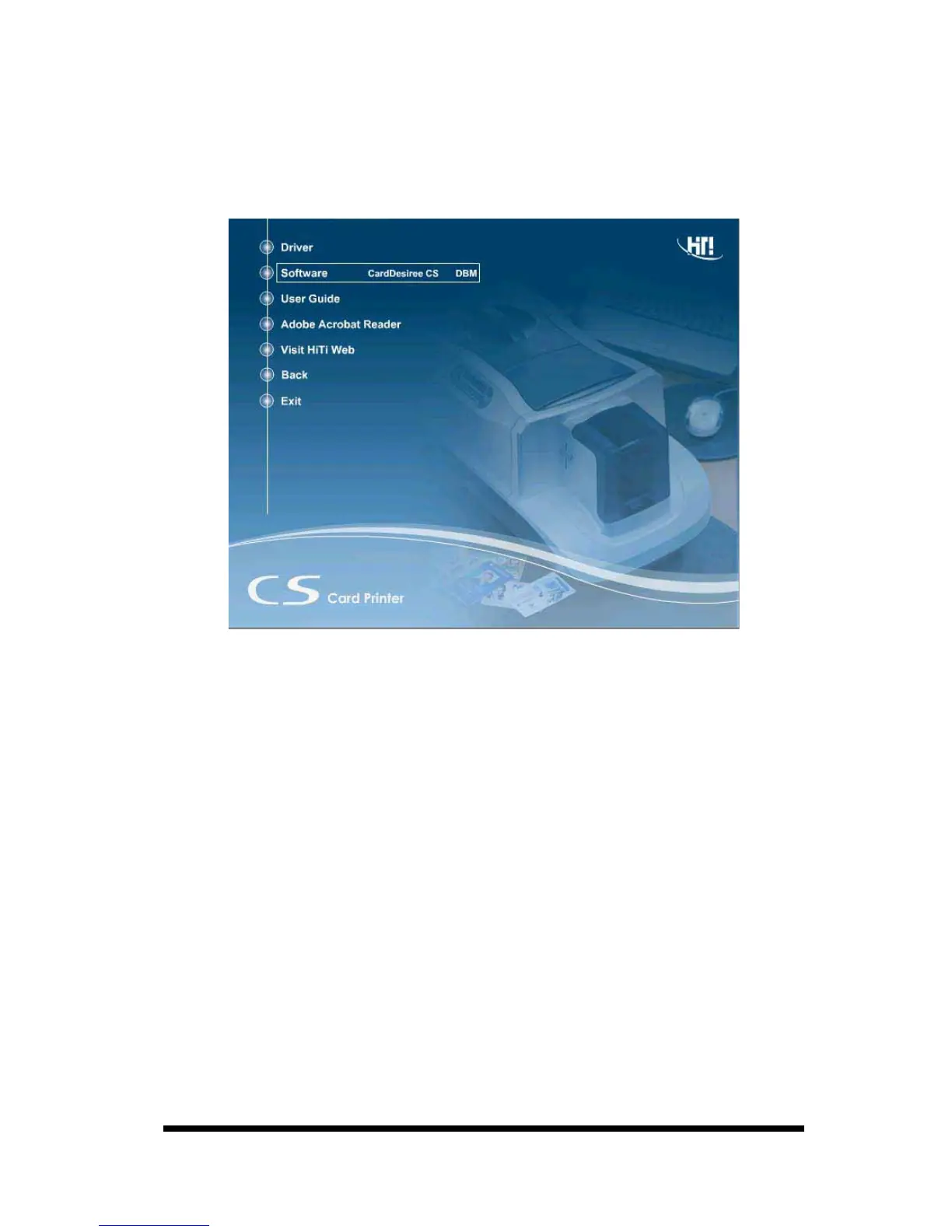
1. Insert the “Driver CD” into the CD-ROM drive, if the disc doesn’t auto start,
then please execute the “autorun.exe” in the disc.
2. Select "Software / CardDesiree CS" and install.
3. Select language and destination; then press the “Start” button.
4. When the installation is finished, a pop-up message will appear to ask whether
or not to place a "Card Desiree CS" icon on the Windows Desktop?
5. The "Card Desiree CS" installation is finished.










 To Next Page