Configuring Remote Access in Netbiter Argos 9 (22)
3.2 Remote Access Settings
After changing these settings, click on Save to apply the changes.
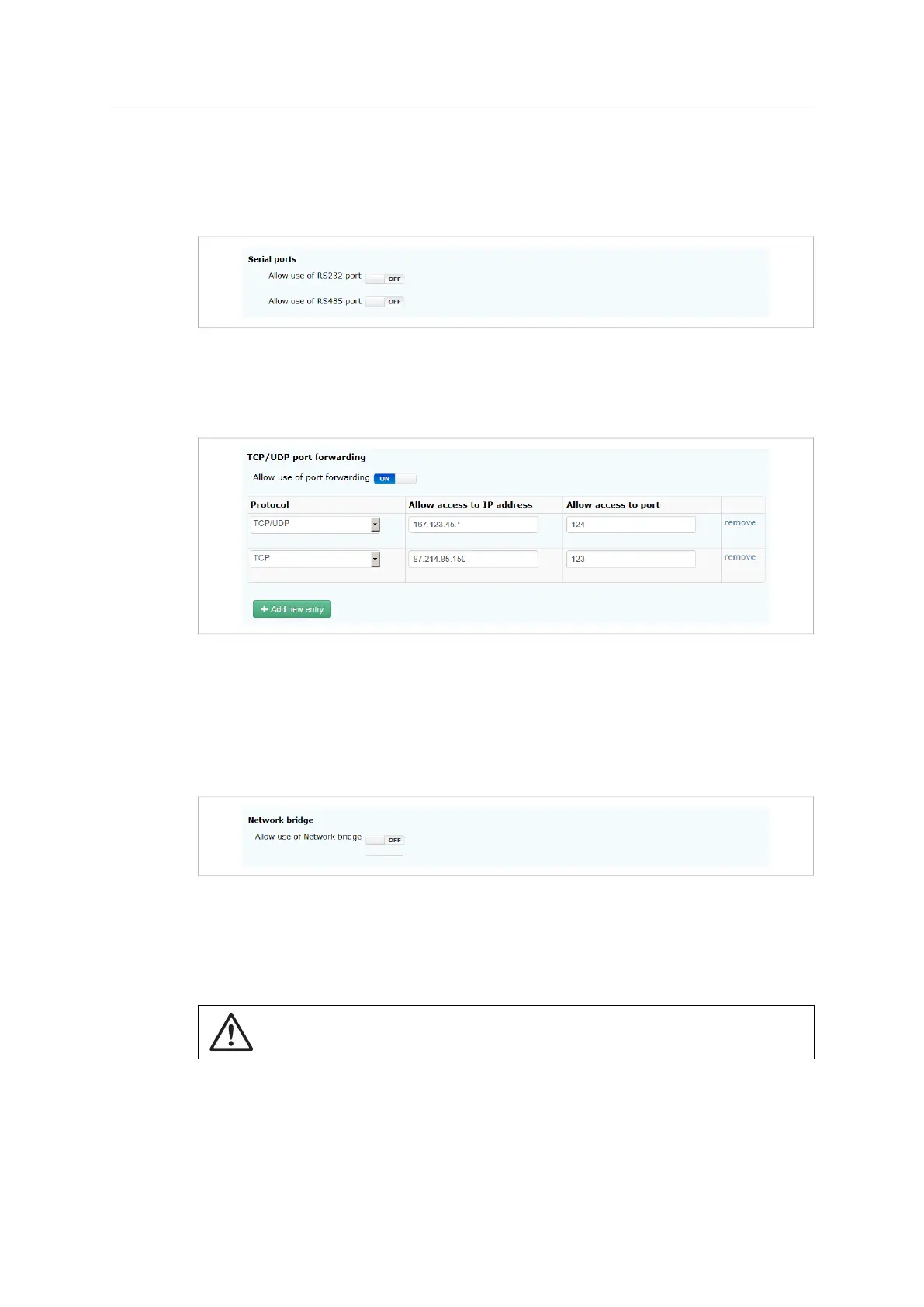
3.2.1 Serial Ports
Fig. 6 Selecting serial ports
Enables/disables the required serial ports on the Netbiter EasyConnect gateway.
3.2.2 TCP/UDP Port Forwarding
Fig. 7 TCP/UDP port forwarding mode
Restricts which IP addresses, ports and protocols (TCP, UDP, or both) to use for accessing
remote devices. Wildcards (*) can be used to indicate a range of IP addresses or ports.
Click on Add new entry to add to the list. To delete an entry, click on remove.
3.2.3 Network Bridge
Fig. 8 Network bridge mode
If the remote device has no support for access via a specified network (TCP/UDP) port,
the remote network can be set to bridged mode. This will enable a channel functioning as
a VPN connection, meaning that the client accessing the device will have secure access to
the entire network on the remote side.
Enabling the Network Bridge setting will allow access to all IP addresses and ports on
the remote network.
Netbiter
®
Remote Access User Manual Doc ID: HMSI-27-240 Version: 2.0



 To Next Page