QuickConnect 15 (22)
4.2.2 Serial Channel
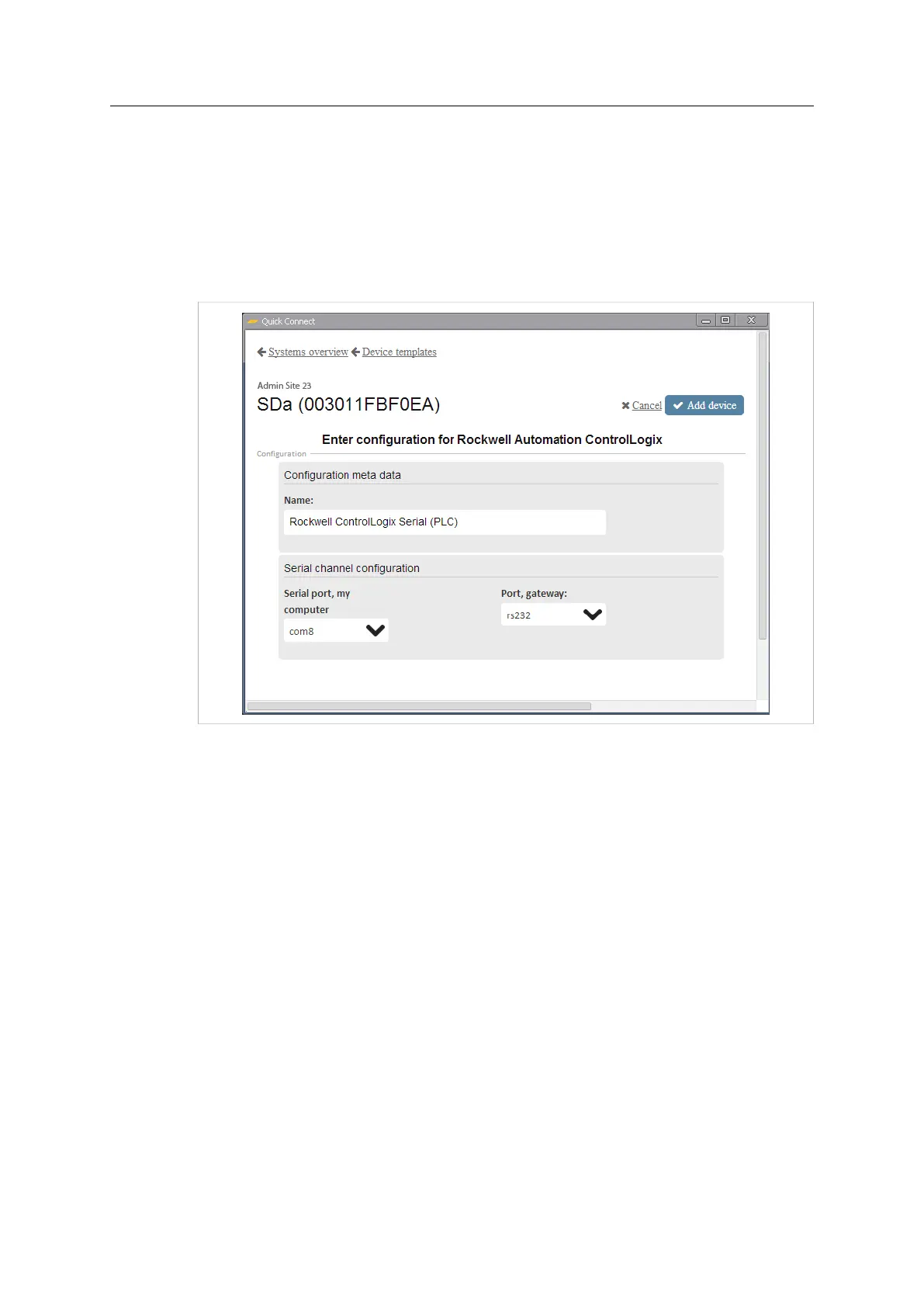
In a serial channel configuration, you need to select the virtual serial port on the computer
and the physical serial port at the other end of the connection (the RS-232 or RS-485 port
on the Netbiter EasyConnect gateway)
Adding a Serial Channel Configuration
1. Enter a descriptive name for the new configuration.
Fig. 21 Serial channel configuration
2. Select a free virtual serial port on your computer.
3. Select the serial port to be used on the Netbiter gateway.
4. Click on Add device.
Netbiter
®
Remote Access User Manual Doc ID: HMSI-27-240 Version: 2.0



 To Next Page