QuickConnect 12 (22)
4 QuickConnect
4.1 Installing and Starting QuickConnect
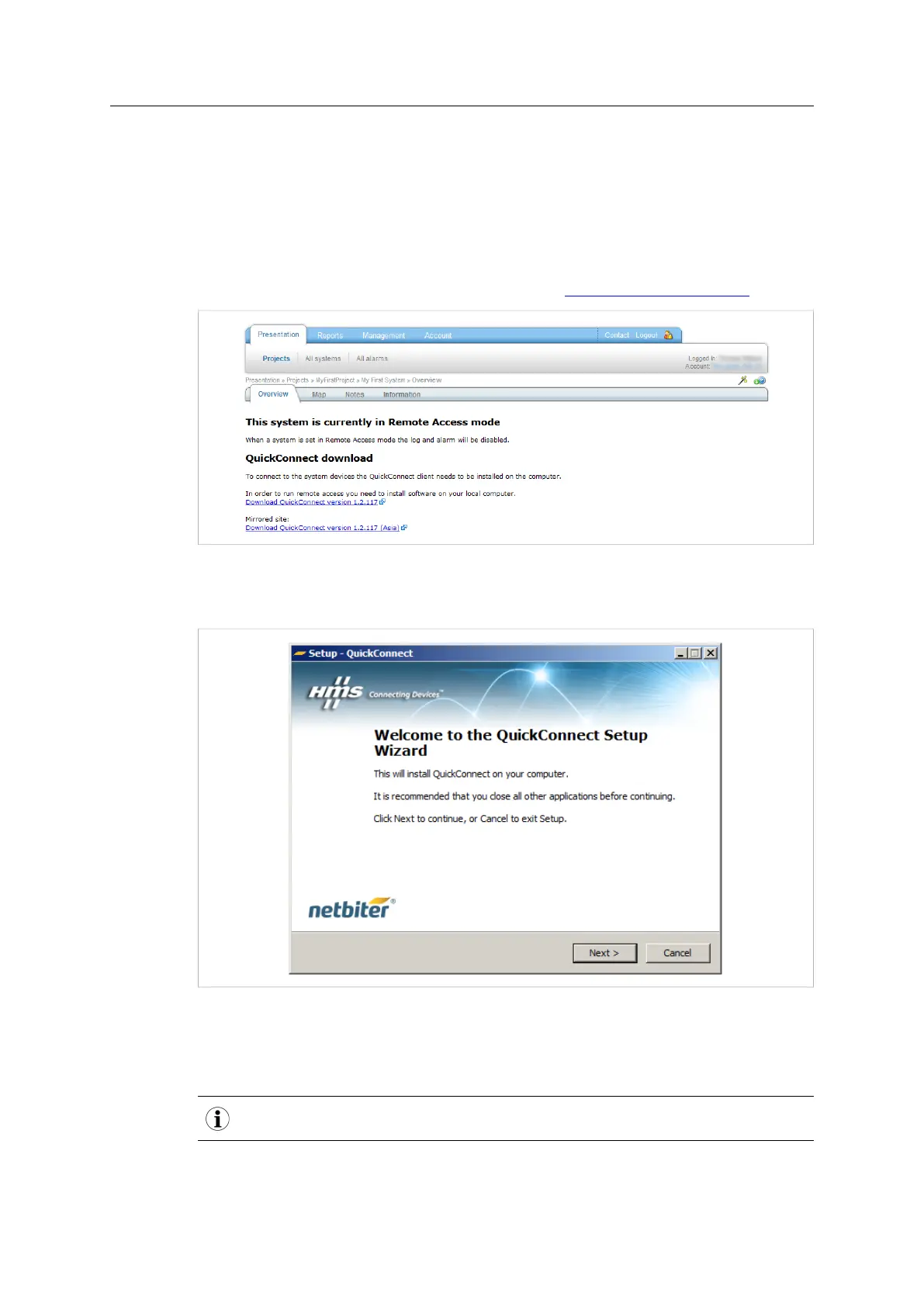
QuickConnect is the driver required for a computer to be used for Remote Access.
When Remote Access mode is enabled for a field system, the QuickConnect driver can be
downloaded directly from the Presentation page in Netbiter Argos. QuickConnect can al-
so be downloaded from the Netbiter support website www.netbiter.com/support.
Fig. 15 QuickConnect download links
Save the file to the computer and unzip the contents to your desktop, then double-click on
the executable file and follow the on-screen instructions to install QuickConnect.
Fig. 16 The QuickConnect installer
The QuickConnect installer will also install 3 additional software components: OpenVPN,
Serial IP and Windows TAP. These components normally do not require configuration and
do not need to be opened or run manually.
You may have to restart your computer to complete the installation.
Netbiter
®
Remote Access User Manual Doc ID: HMSI-27-240 Version: 2.0



 To Next Page