Configuring Remote Access in Netbiter Argos 11 (22)
3.3 LAN Configuration
These settings affect the LAN port on the Netbiter EasyConnect gateway, which is the port
used for connecting to the Ethernet network on the remote side of the tunnel.
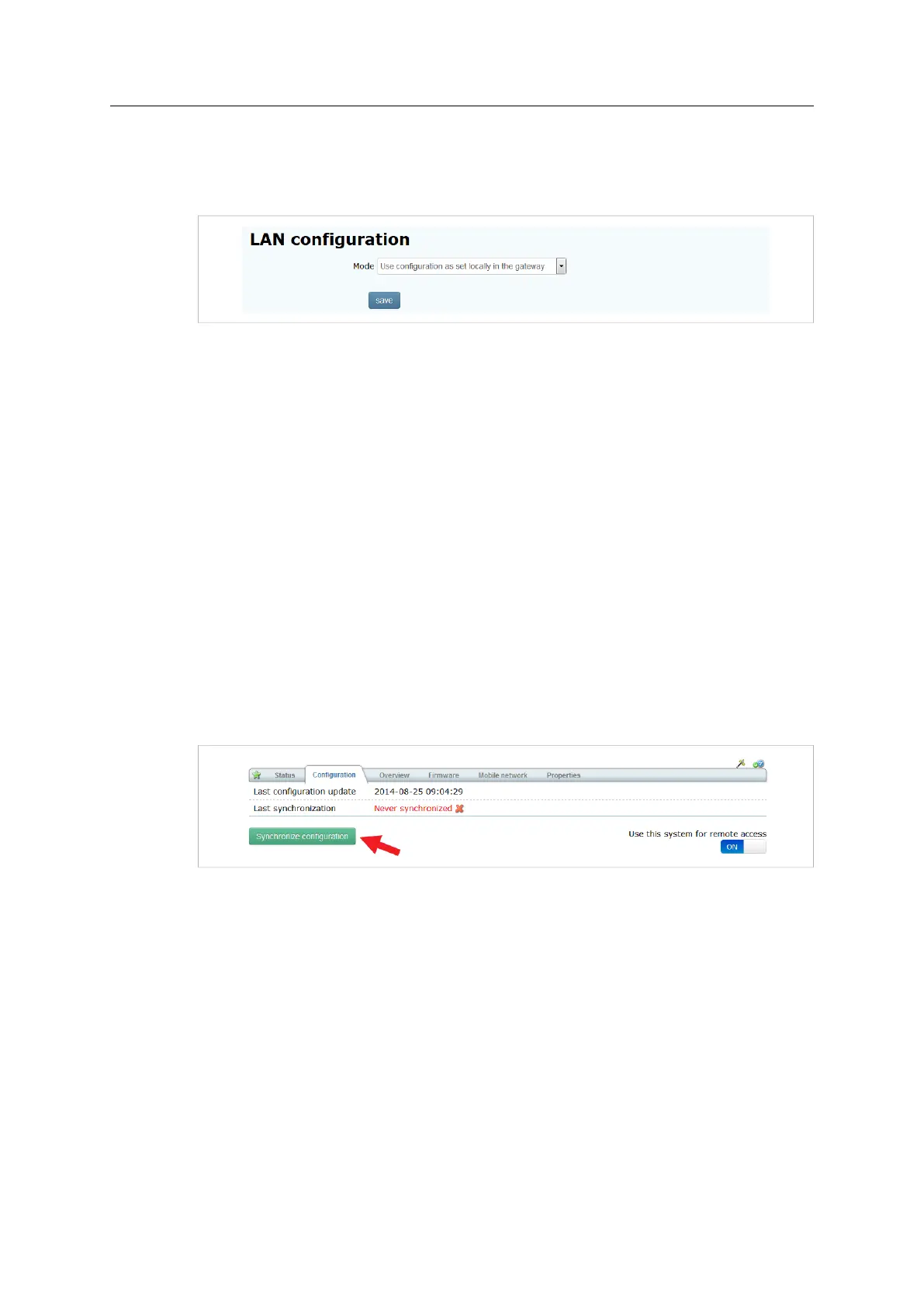
Fig. 13 LAN configuration
Use configuration as set
locally in the gateway
The LAN port will use the configuration set in the gateway. See the
Netbiter EasyConnect User Manual.
LAN interface not in use Disables the LAN port.
Get IP address
automatically from a
DHCP server
Use a DHCP server on the remote network.
Manually set a fixed IP
address and netmask
Set a static IP address and netmask. Contact your network
administrator for help.
After changing these settings, click on Save to apply the changes.
3.4 Synchronizing
The final step to perform is to synchronize the configuration — to upload the changes
made in Netbiter Argos to the Netbiter EasyConnect gateway.
Click on Synchronize configuration to start the synchronization. The system may be
shown as offline until synchronization has completed.
Fig. 14
3.5 Configuring Users (Manage and Analyze)
Netbiter Argos Manage and Analyze accounts can have multiple users with different levels
of access. To be able to use the Remote Access function, users other than the system ad-
ministrator must have this access level granted by the administrator.
See the Netbiter Argos Administration Manual on how to manage user rights.
Netbiter
®
Remote Access User Manual Doc ID: HMSI-27-240 Version: 2.0



 To Next Page