QuickConnect 16 (22)
4.2.3 Network Bridge
Network Bridge creates a virtual private network (VPN) with access to the remote net-
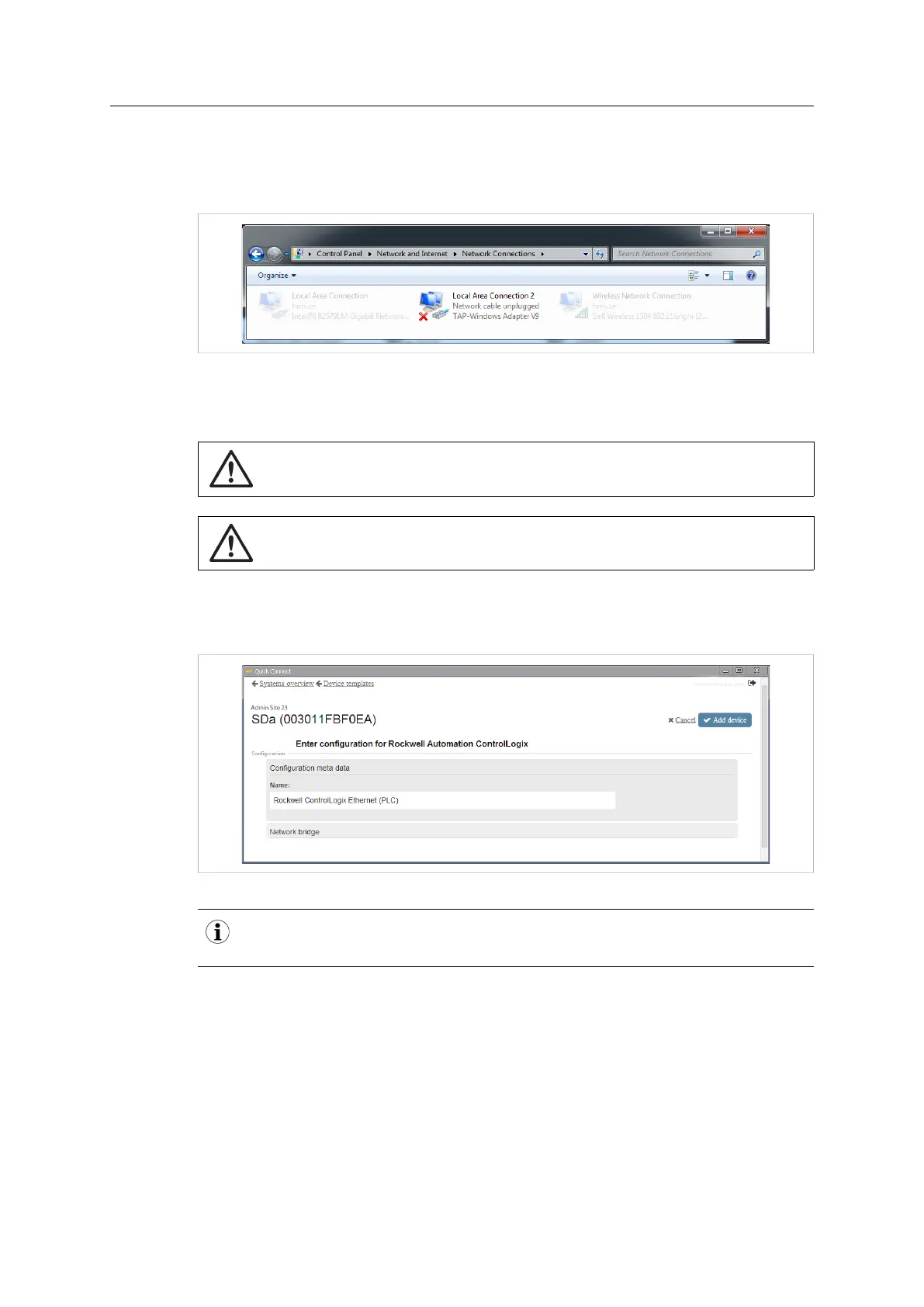
work. A virtual network adapter (TAP) will be added in Windows.
Fig. 22 Windows Network Connections control panel
Two unused IP addresses on the remote network will be needed: one for the virtual net-
work adapter and one for the physical LAN port on the Netbiter.
Make sure that the IP addresses are not already in use and that you have the correct
subnet mask. Contact your network administrator if in doubt.
Network Bridge must also be enabled in the LAN settings in Netbiter Argos.
See Remote Access Settings, page 9.
Adding a Network Bridge Configuration
1. Enter a descriptive name for the new device and click on Add device.
Fig. 23 General network bridge configuration
Adding the IP address to the device name can be helpful when you have multiple devices
in the same tunnel. This will not affect the actual IP address setting.
Netbiter
®
Remote Access User Manual Doc ID: HMSI-27-240 Version: 2.0



 To Next Page