QuickConnect 18 (22)
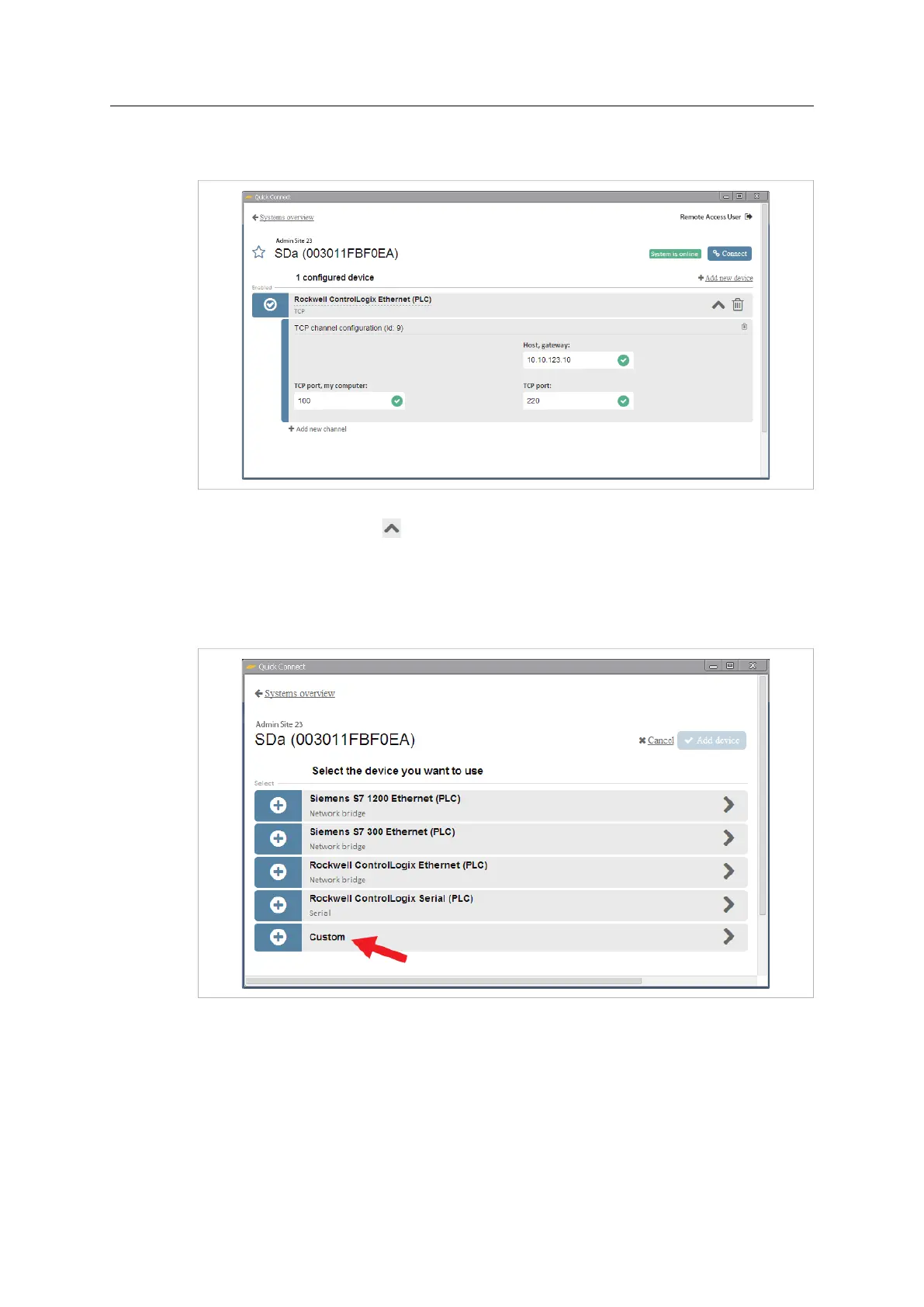
2. Enter the TCP/UDP port number to use on the local computer, and the port number
and IP address to use on the remote device.
Fig. 26 Configure port forwarding
3. Click on the up arrow to hide the settings when finished.
4.2.5 Custom Device
If the device to be connected is not available in the list of pre-configured devices, you can
add it as a Custom device.
Fig. 27 Device list
1. In the device list, select Custom.
2. Enter a descriptive name for the configuration and click on Add device.
Continue by adding channels as needed. See Adding Channels, page 19.
Netbiter
®
Remote Access User Manual Doc ID: HMSI-27-240 Version: 2.0



 To Next Page