QuickConnect 13 (22)
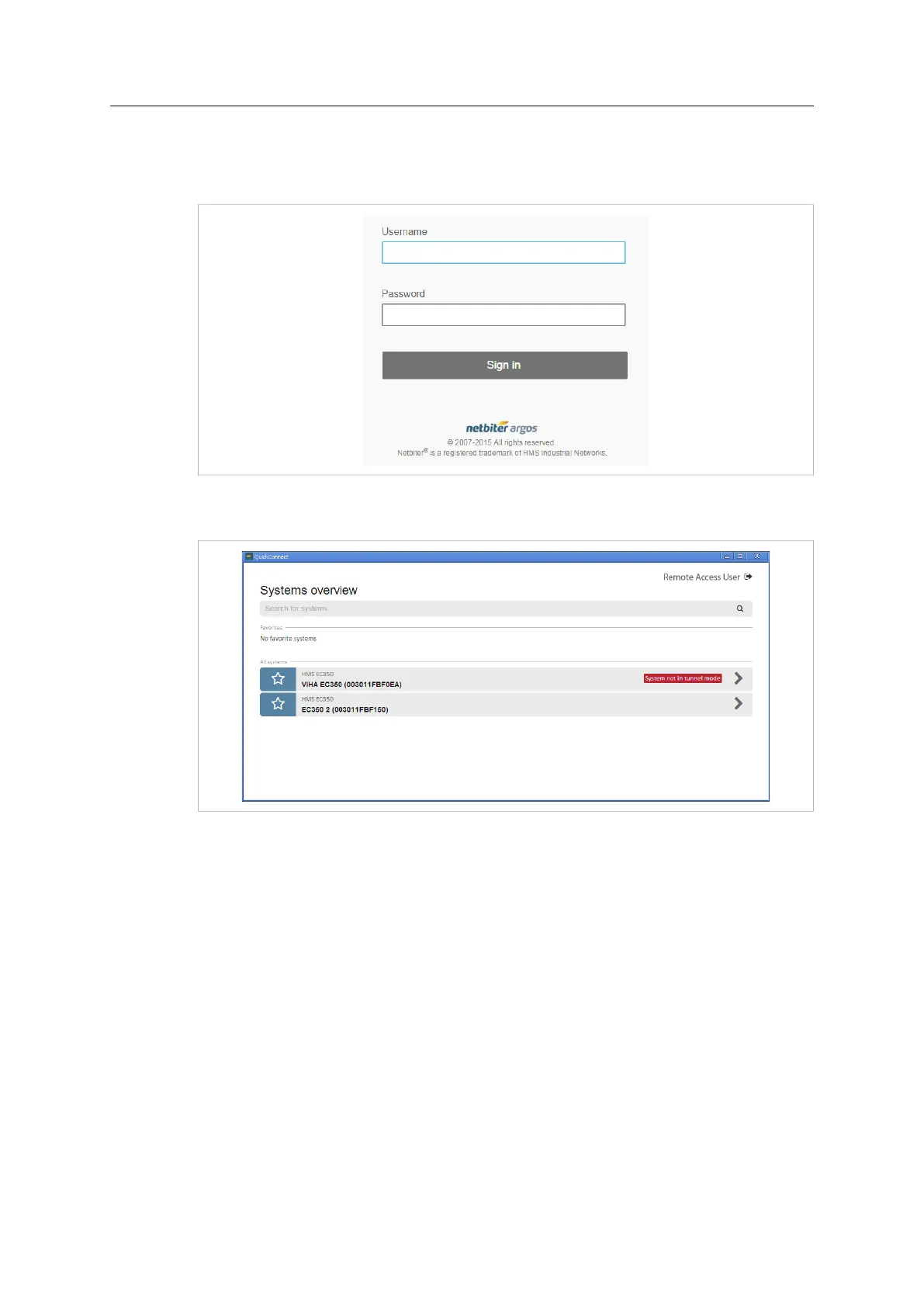
After installing QuickConnect, start the configuration program from the shortcut in the
start menu or on your desktop and log in using the same username and password as in
your Netbiter Argos account.
Fig. 17 QuickConnect login window
After logging in to QuickConnect, the Systems overview page will be displayed.
Fig. 18 QuickConnect Systems overview
• Field systems marked as Favorites will be listed at the top of the overview page. To
mark/unmark a system as a favorite, click on the star next to it.
• Use the search field at the top of the page to search for a specific field system.
• Click on any system to open its configuration page and start adding and configuring
devices.
Netbiter
®
Remote Access User Manual Doc ID: HMSI-27-240 Version: 2.0



 To Next Page